1. Увод
This manual provides essential information for the HP 17.3-inch Touchscreen Laptop, model 17-cp3602nr. It covers initial setup, basic operation, maintenance guidelines, and troubleshooting tips to ensure optimal performance and longevity of your device. Please read this manual thoroughly before using your laptop.
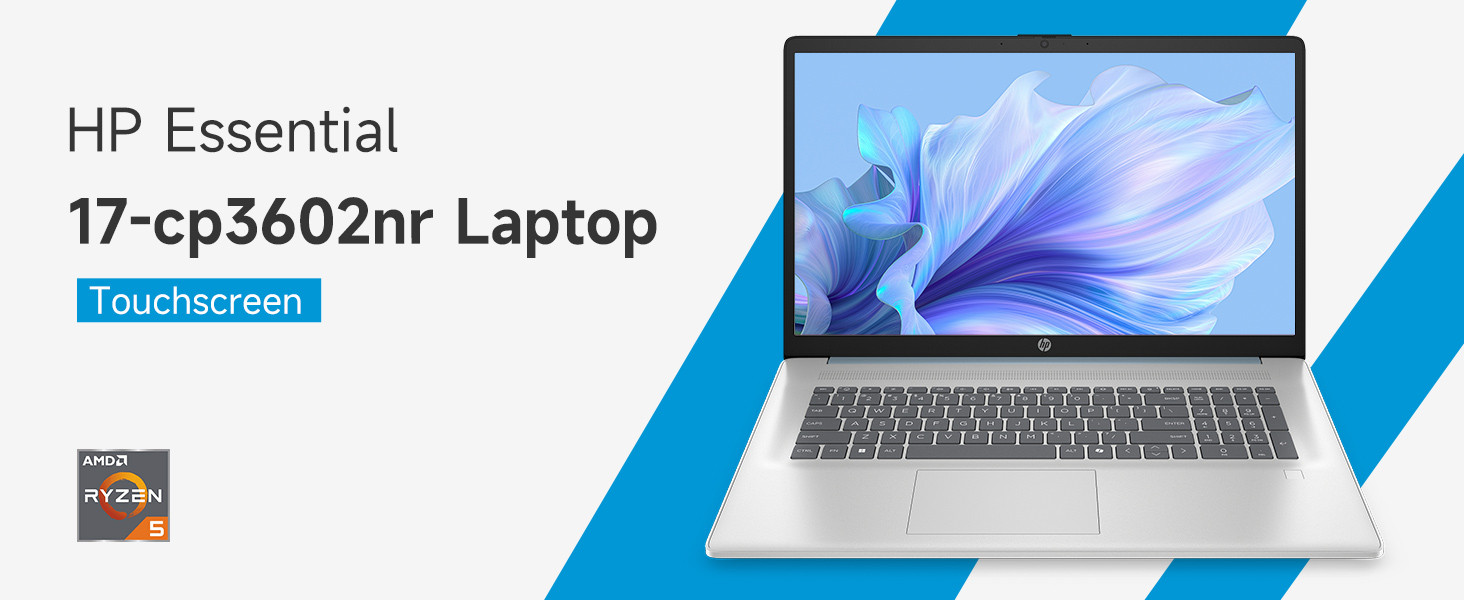
Слика: Прекоview of the HP 17.3-inch Touchscreen Laptop highlighting its main features.
2. Подешавање
2.1 Распакивање и почетни преглед
Пажљиво извадите лаптоп и сву додатну опрему из паковања. Проверите да ли су све компоненте присутне:
- HP 17.3-inch Touchscreen Laptop
- Адаптер за напајање и кабл за напајање
- Документација (Кратки водич, Информације о гаранцији)
Inspect the laptop for any physical damage. If any damage is found or components are missing, contact your retailer or HP support immediately.
2.2 Повезивање адаптера за напајање
Connect the power adapter to the laptop's AC smart pin port and then plug the power cord into a wall outlet. The laptop can be used while charging, but it is recommended to fully charge the battery before first use.
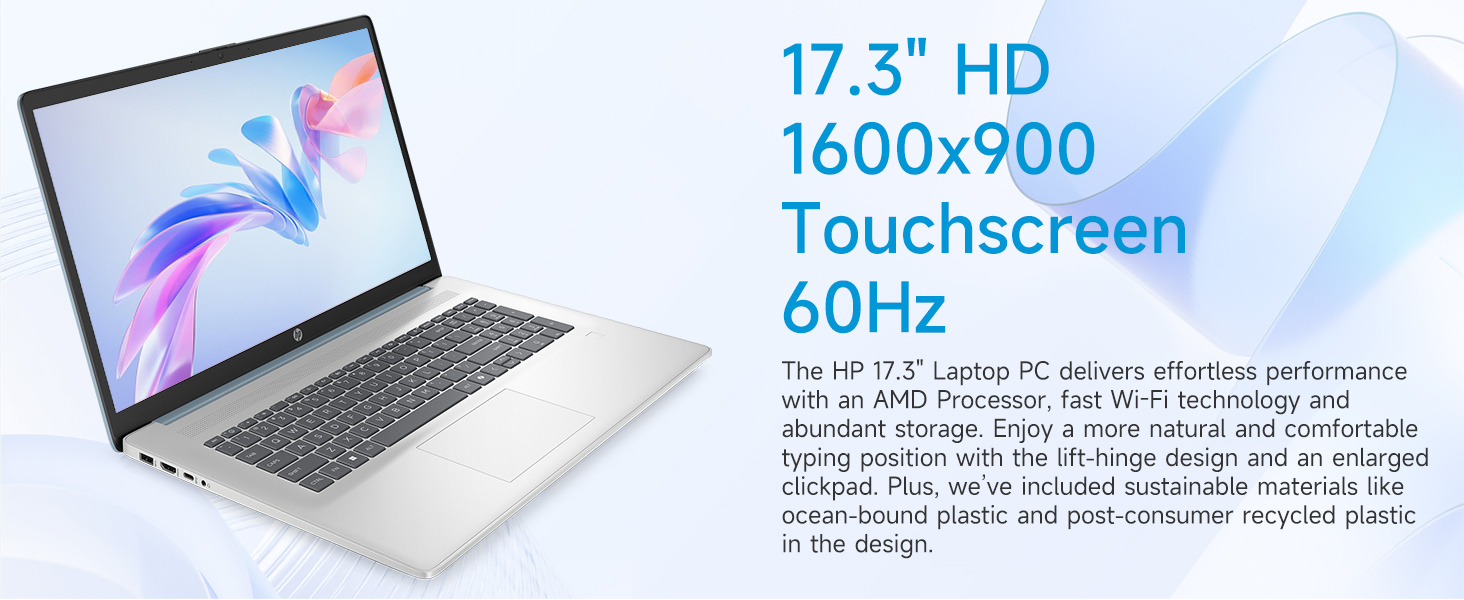
Image: Laptop ports and their locations, including the AC smart pin.
2.3 Почетно укључивање и подешавање система Windows 11
Притисните дугме за напајање да бисте укључили лаптоп. Пратите упутства на екрану да бисте завршили процес подешавања система Windows 11 Home. То укључује:
- Избор региона и распореда тастатуре.
- Connecting to a Wi-Fi network (Wi-Fi 6 supported).
- Пријављивање са или креирање Microsoft налога.
- Подешавање ПИН-а или лозинке.
- Configuring privacy settings.
2.4 Подешавање читача отиска прста
During the Windows 11 setup or later via Windows Settings, you can configure the integrated fingerprint reader for secure login. Follow the prompts to register your fingerprints.
3. Управљање лаптопом
3.1 Основна навигација
Your HP laptop features a 17.3-inch HD+ (1600 x 900) touchscreen display, a touchpad, and a full-size keyboard for navigation.
- екран осетљив на додир: Use gestures similar to a smartphone or tablet for direct interaction with the display.
- Тоуцхпад: Supports multi-touch gestures for scrolling, zooming, and more.
- тастатура: Укључује нумеричку тастатуру за ефикасан унос података.
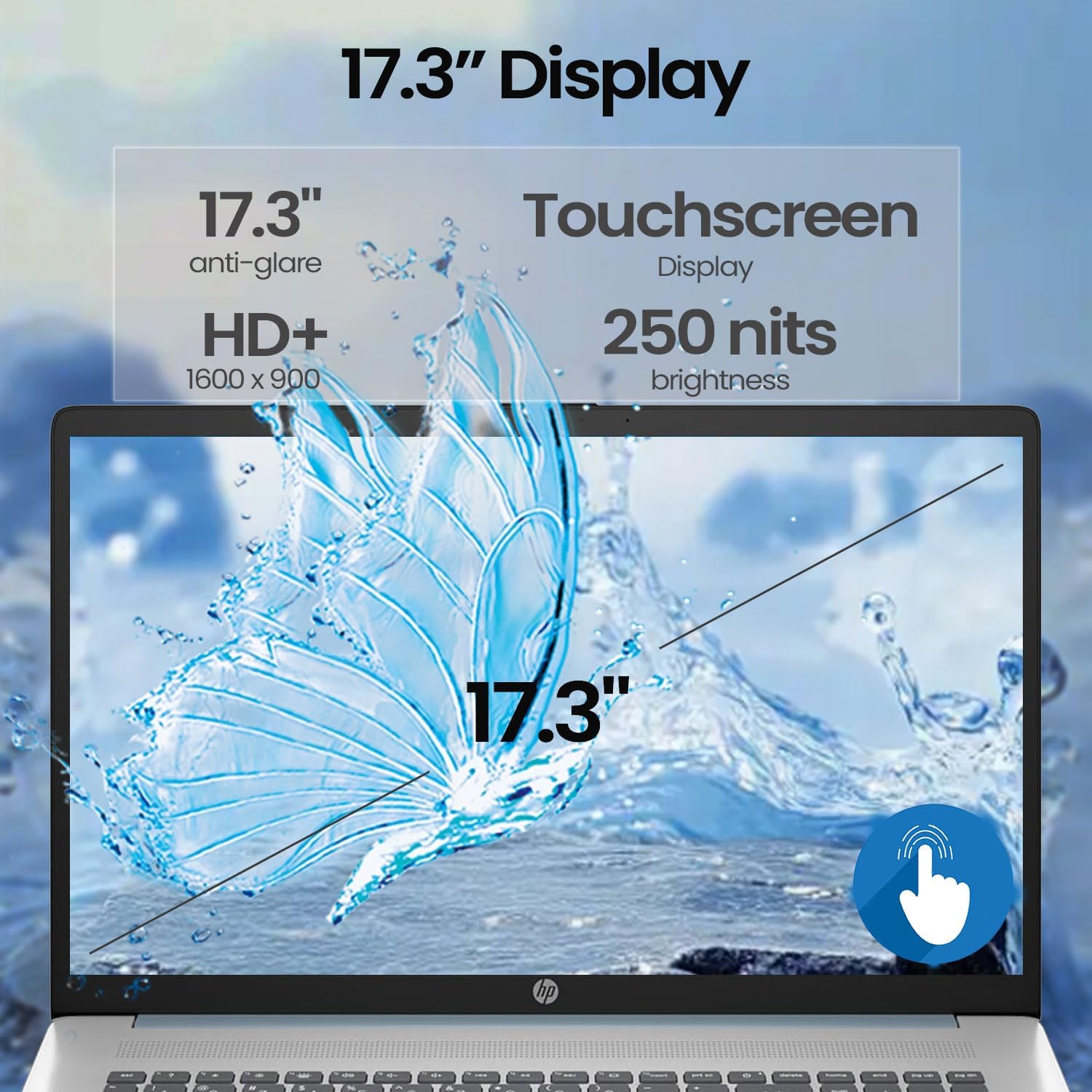
Image: A finger interacting with the laptop's touchscreen display.
3.2 Тастатура са позадинским осветљењем
The keyboard features backlighting for improved visibility in low-light conditions. The backlight can typically be toggled or adjusted using a dedicated function key (often Fn + F5 or similar, refer to your specific model's keyboard layout).
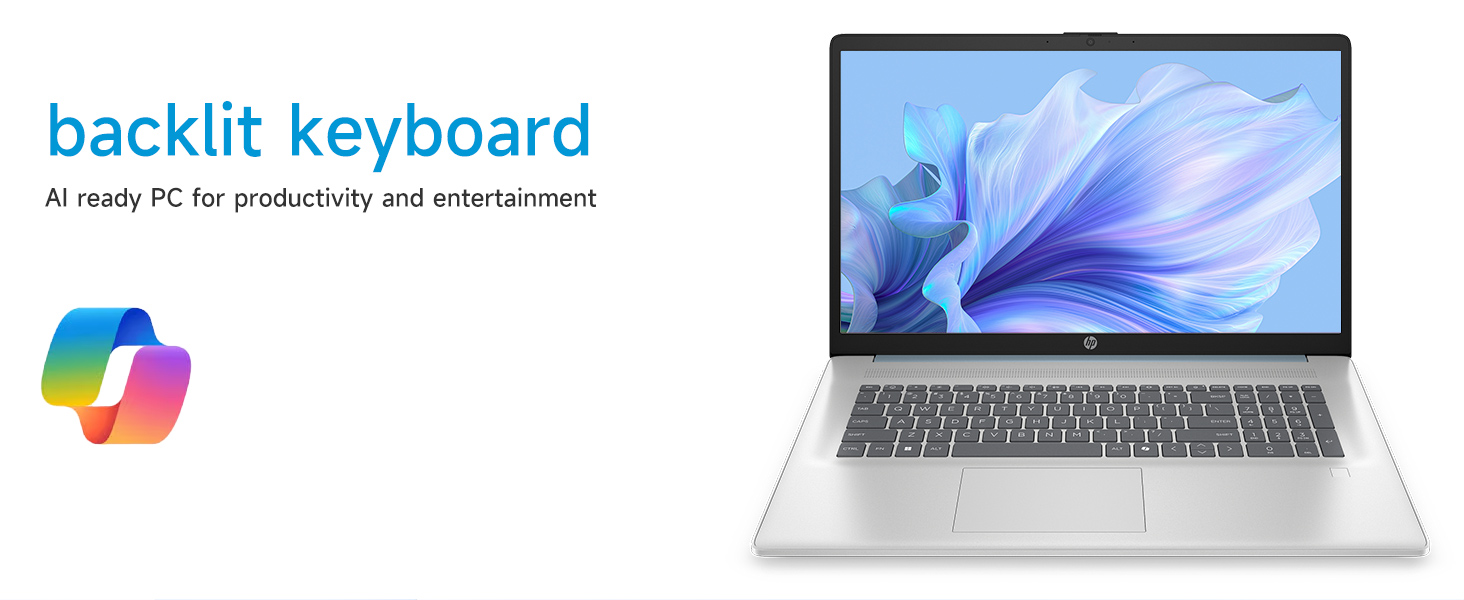
Image: The laptop's backlit keyboard in operation.
3.3 Коришћење читача отиска прста
Once configured, simply place your registered finger on the fingerprint reader (usually located near the keyboard or power button) to log in to Windows or authenticate applications.

Image: Illustration of the fingerprint reader for secure access.
3.4 Повезивање екстерних уређаја
Your laptop is equipped with various ports:
- USB Type-C 5Gbps signaling rate: For connecting modern USB-C devices.
- USB Type-A 5Gbps signaling rate (x2): За стандардне УСБ уређаје попут мишева, тастатура или екстерних дискова.
- ХДМИ 1.4б: Connects to external monitors or TVs for extended display.
- Комбиновани прикључак за слушалице/микрофон: For connecting headsets or external audio devices.
Simply plug the compatible device into the appropriate port. Most devices are plug-and-play and will be recognized automatically by Windows.
3.5 Webцам Усаге
Интегрисани webcam can be used for video calls, online meetings, and capturing photos/videos. Access it through applications like Camera, Microsoft Teams, Zoom, or other communication software.
4. Одржавање
4.1 Чишћење лаптопа
- Екран: Користите меку крпу која не оставља длачицеampводом или раствором за чишћење екрана. Избегавајте јаке хемикалије.
- Кућиште и тастатура: Користите меку, суву крпу. За тврдокорну прљавштину, благоamp cloth can be used. Avoid getting moisture into ports or vents.
- Вентс: Повремено користите компримовани ваздух да бисте очистили прашину из отвора за хлађење како бисте спречили прегревање.
4.2 Одржавање батерије
- Избегавајте често потпуно пражњење батерије.
- Чувајте лаптоп на хладном и сувом месту ако га не користите дуже време.
- Користите само оригинални HP адаптер за напајање.
4.3 Ажурирања софтвера
Редовно проверавајте и инсталирајте ажурирања за Windows и ажурирања драјвера од званичне HP подршке website to ensure system stability, security, and optimal performance.
4.4 Управљање складиштем
Периодично чистите непотребно files, uninstall unused applications, and manage your 512GB PCIe NVMe M.2 SSD to maintain fast boot-up and data transfer speeds.
КСНУМКС. Решавање проблема
Овај одељак се бави уобичајеним проблемима на које можете наићи са својим HP лаптопом.
5.1 Проблеми са напајањем
- Лаптоп се не укључује: Ensure the power adapter is securely connected to both the laptop and a working power outlet. Try a different outlet. If the battery is completely drained, it may take a few minutes of charging before the laptop can power on.
- Батерија се не пуни: Verify the power adapter and cable are not damaged. Check the charging indicator light on the laptop.
5.2 Проблеми са екраном
- Нема слике на екрану: Повежите екстерни монитор преко HDMI кабла да бисте проверили да ли је проблем са интерним екраном лаптопа. Поново покрените лаптоп.
- Екран осетљив на додир не реагује: Поново покрените лаптоп. Уверите се да су драјвери за екран ажурирани.
5.3 Проблеми са мрежном повезивањем
- Не могу да се повежем на Ви-Фи: Уверите се да је Wi-Fi омогућен у подешавањима Windows-а. Рестартујте рутер и модем. Проверите да ли постоје ажурирани драјвери за Wi-Fi.
5.4 Input Device Problems
- Тастатура или тачпед не реагују: Restart the laptop. Check for updated drivers in Device Manager.
- Читач отиска прста не ради: Ensure your fingerprints are properly enrolled in Windows Hello settings. Clean the sensor.
For persistent issues, consult the HP support webсајт или контактирајте HP корисничку службу.
6. Спецификације
Detailed technical specifications for the HP 17.3-inch Touchscreen Laptop (Model 17-cp3602nr).
| Феатуре | Спецификација |
|---|---|
| Бранд | HP |
| Назив модела | 17-cp3602nr |
| Процесор | AMD Ryzen 5 7430U (6 језгара, 12 нити, до 4.3 GHz) |
| Графика | AMD Radeon графика (интегрисана) |
| РАМ | 16 GB DDR4 SDRAM (3200 MHz) |
| Складиштење | 512 GB PCIe NVMe M.2 SSD |
| Дисплаи | 17.3-inch HD+ (1600 x 900) Touchscreen, Anti-glare, 250 nits, 60% NTSC, 60 Hz |
| Оперативни систем | Виндовс 11 Хоме |
| Повезивање | Ви-Фи 6 (802.11ак) |
| Портс | 1x USB Type-C 5Gbps, 2x USB Type-A 5Gbps, 1x HDMI 1.4b, 1x Headphone/Microphone Combo, 1x AC Smart Pin |
| Посебне карактеристике | Backlit Keyboard, Fingerprint Reader, Numeric Keypad, Webцам |
| Dimensions (L x W x Thickness) | 15.78 cm x 10.15 cm x 0.81 cm |
| Боја | Плава |
| УПЦ | 199485902807 |
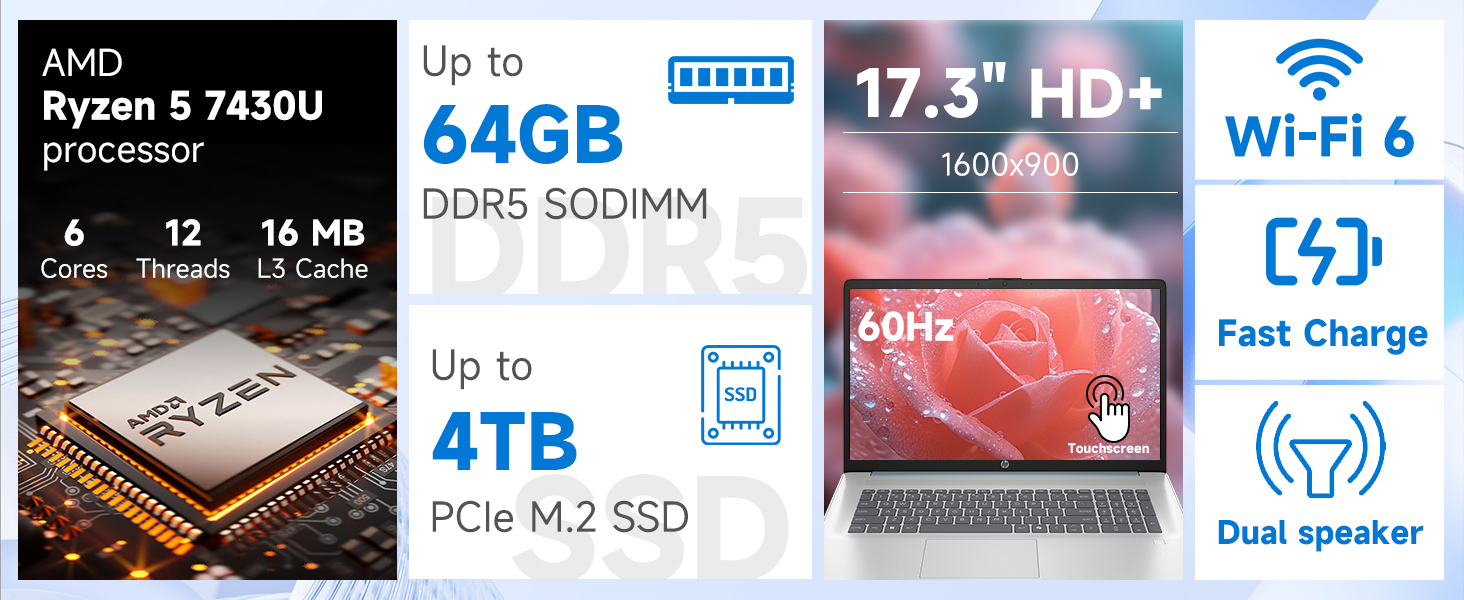
Слика: Детаљна view of the AMD Ryzen 5 7430U processor specifications.
7. Гаранција и подршка
Ваш HP лаптоп долази са стандардном гаранцијом произвођача. За конкретне услове гаранције, погледајте документацију која је приложена уз ваш производ или посетите званичну HP подршку. webсајт. За техничку помоћ, преузимање драјвера и додатну подршку, посетите суппорт.хп.цом.