1. Увод
This manual provides essential information for the safe and efficient operation of your Zebronics PixaPlay 75 Smart LED Projector. Please read this manual thoroughly before using the product and retain it for future reference.
The Zebronics PixaPlay 75 is a versatile smart LED projector designed for home cinema use, offering 4K support, 4600 lumens brightness, and a large projection size of up to 200 inches. It features Android 13, auto focus, auto keystone adaptation, and various connectivity options for a seamless entertainment experience.
2. Шта је у кутији
Приликом распакивања, молимо вас да се уверите да су присутни сви следећи предмети:
- Projector - 1 Unit
- Ремоте Цонтрол
- Повер Цорд
- ХДМИ кабл
- Cotton Swab Pack - 1 Unit (for cleaning)
- QR Code Guide - 1 Unit
3. Производ је готовview
The PixaPlay 75 projector combines advanced features for an immersive viewинг искуство.

Слика 3.1: Предња страна view of the Zebronics PixaPlay 75 projector, showing the lens and main body.

Слика 3.2: Позади view of the Zebronics PixaPlay 75 projector, highlighting ventilation and rear design.

Figure 3.3: Remote control and connectivity ports including BT v5.0, HDMI, AUX OUT, and USB.

Figure 3.4: Integrated carry loop for easy portability of the projector.
Кључне карактеристике:
- Андроид 13 ОС: Access to various OTT applications like Netflix, Prime Video, and Hotstar.
- 4K Support & 4600 Lumens: Delivers clear, detailed content with impressive brightness.
- 200" Screen Size: Projects a large display up to 508 cm for an immersive home theater experience.
- 90° Tilt & Telescopic Height Adjustment: Offers flexible positioning and projection angles.
- Auto Focus & Keystone: Ensures optimal image alignment without manual adjustments.
- Miracast & iOS Screen Casting: Seamlessly mirror content from your mobile devices.
- Dual Band WiFi & Bluetooth v5.0: Stable wireless connectivity for streaming and audio.
- Четворојезгарни процесор: Smooth operation and quick processing of media.
- 50,000-hour LED Lamp живот: Дуготрајне перформансе.
- Уграђени звучници: Интегрисано аудио решење.
- Може се монтирати на зид: Option for fixed installation.
4. Подешавање
4.1 Постављање
Position the projector on a stable, flat surface or mount it on a wall. Ensure there are no obstructions in front of the lens.
- Удаљеност пројекције: The projector supports a minimum throw distance of 1.5 meters and a maximum of 5 meters.
- Величина екрана: Achieve screen sizes from 127 cm (50 inches) up to 508 cm (200 inches) depending on the projection distance.

Figure 4.1: Illustration of flexible screen sizes (50", 85", 200") at various projection distances (1.5m, 2.5m, 5m).

Figure 4.2: Demonstrates the telescopic height adjustment and 90° tilt mechanism for flexible positioning.

Figure 4.3: The projector can be wall-mounted for a permanent setup.
4.2 Прикључак за напајање
Connect the provided power cord to the projector's power input and then to a suitable electrical outlet (100 Volts).
4.3 Initial Image Adjustment
The PixaPlay 75 features automatic image correction:
- Ауто фокус: The projector will automatically adjust the image clarity.
- Auto Keystone Adaptation: The projector will automatically correct trapezoidal distortion to ensure a rectangular image.
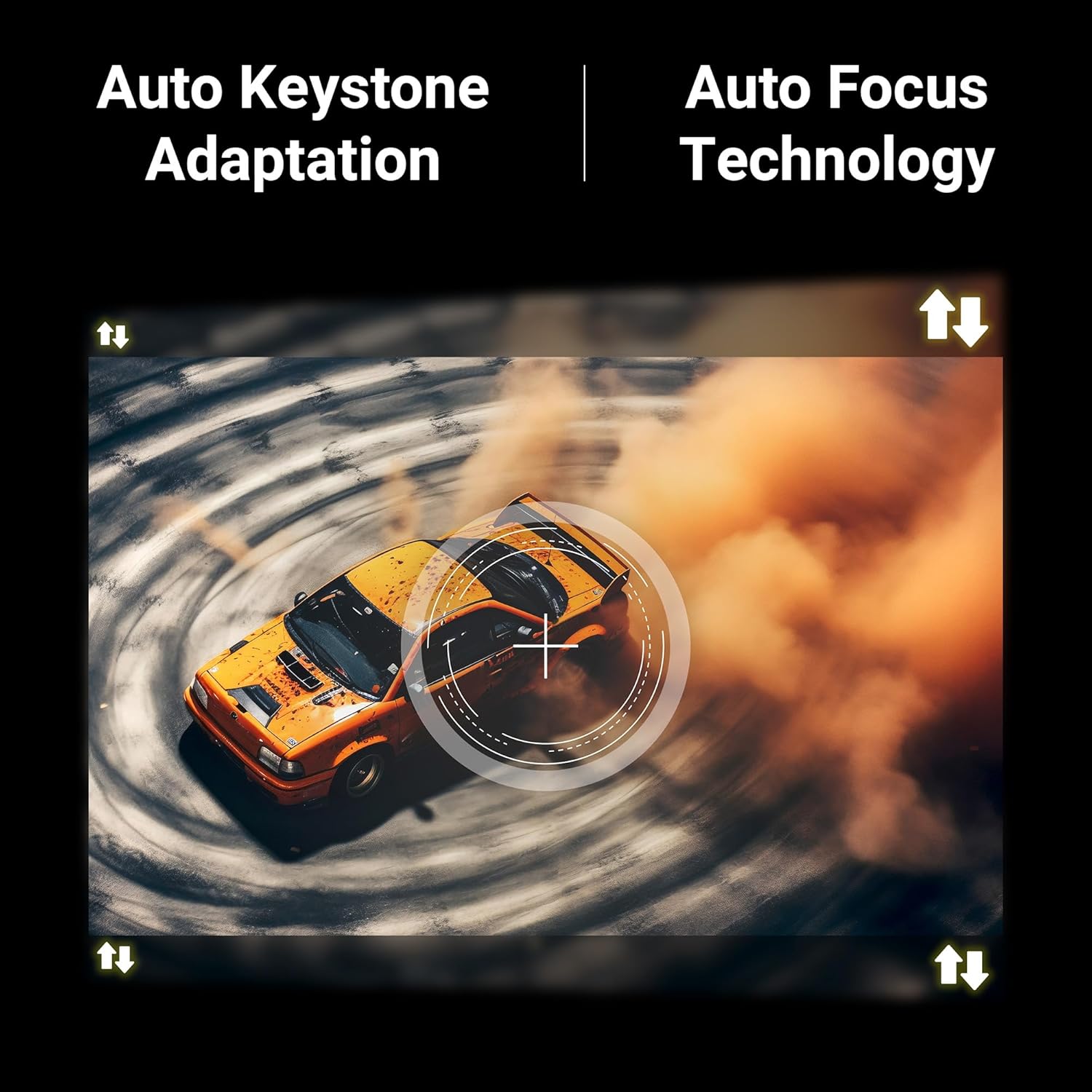
Figure 4.4: Visual representation of Auto Keystone Adaptation and Auto Focus Technology.
5. Упутство за употребу
5.1 Основне контроле
Use the provided remote control to navigate the projector's interface. The remote allows you to power on/off, adjust volume, select input sources, and access smart features.
5.2 Повезивање
The projector offers multiple ways to connect your devices:
- ДВИ: Connect Blu-ray players, gaming consoles, laptops, or other HDMI-enabled devices using the HDMI cable.
- УСБ: Прикључите УСБ дискове да бисте репродуковали медије fileс директно.
- АУКС ОУТ: Повежите екстерне аудио системе или слушалице.
- Блуетоотх в5.0: Pair with Bluetooth speakers or headphones for wireless audio.
- Dual Band WiFi (2.4GHz & 5GHz): Повежите се на кућну мрежу за приступ интернету и стримовање.
5.3 Smart Features (Android 13)
With Android 13 built-in, you can directly access and stream content from pre-installed OTT applications such as Netflix, Prime Video, and Hotstar. Ensure the projector is connected to a stable Wi-Fi network for optimal performance.
5.4 Screen Casting (Miracast & iOS)
Mirror the screen of your compatible Android or iOS smartphone/tablet directly to the projector:
- Ensure both your device and the projector are connected to the same Wi-Fi network.
- On the projector, select the Miracast/Screen Casting option.
- On your mobile device, activate the screen mirroring feature (e.g., Smart View, Cast, Screen Mirroring for Android; Screen Mirroring for iOS).
- Select the PixaPlay 75 from the list of available devices.
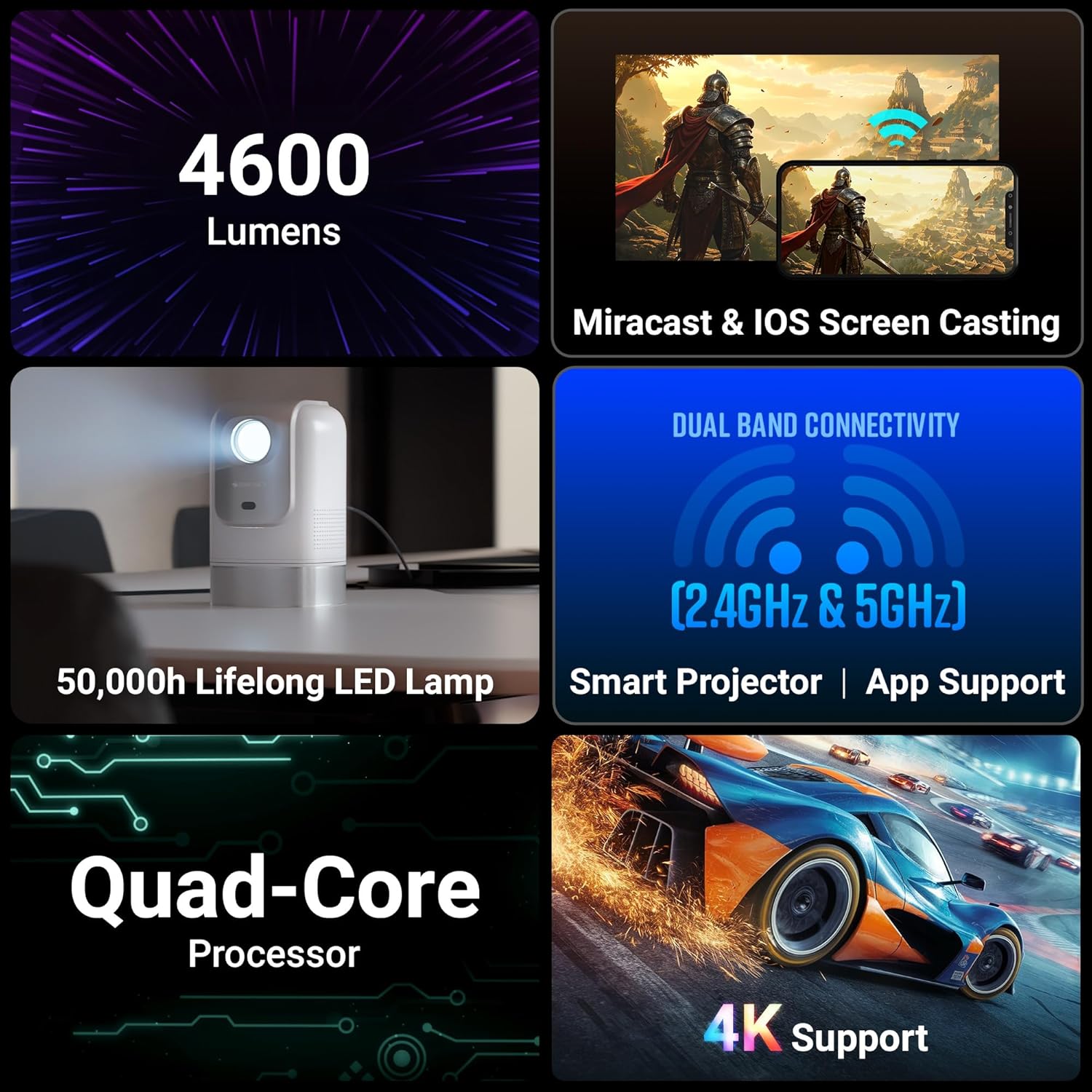
Figure 5.1: Illustrates Miracast and iOS Screen Casting functionality, showing a phone screen mirrored to the projector.
6. Одржавање
6.1 Чишћење
Regular cleaning helps maintain optimal performance and image quality.
- Објектив: Use the provided cotton swab pack or a soft, lint-free cloth specifically designed for optical lenses. Gently wipe the lens to remove dust or smudges. Do not use abrasive cleaners.
- Екстеријер: Обришите спољашњост пројектора меком, сувом крпом. Избегавајте употребу течних средстава за чишћење директно на уређају.
6.2 Лamp Живот
ЛЕД лamp in your PixaPlay 75 projector has an estimated operating life of 50,000 hours. This ensures long-term usage without frequent lamp замена.
КСНУМКС. Решавање проблема
Ако наиђете на проблеме са пројектором, погледајте следеће уобичајене проблеме и решења:
| Проблем | Могући узрок | Решење |
|---|---|---|
| No image or "No Signal" message | Изабран је погрешан улазни извор; лабава кабловска веза; уређај није укључен. |
|
| Слика је мутна или ван фокуса | Auto focus not activated or obstructed; projector moved. |
|
| Слика је искривљена (трапезоидног облика) | Projector not perpendicular to the screen; auto keystone not activated. |
|
| Нема звука или је тиха | Volume too low; incorrect audio output selected; external audio device issues. |
|
| Пресликавање екрана не ради | Devices not on same Wi-Fi; feature not activated on device/projector. |
|
8. Спецификације
Below are the detailed technical specifications for the Zebronics PixaPlay 75 Smart LED Projector:
| Феатуре | Детаљ |
|---|---|
| Бранд | ЗЕБРОНИЦС |
| Назив модела | ZEB-PIXA PLAY |
| Препоручена употреба | Кућни биоскоп |
| Посебне карактеристике | Auto Focus, Auto Keystone Adaptation, Built-In Streaming Features |
| Технологија повезивања | AUX OUT, Bluetooth, HDMI, USB |
| Изворна резолуција екрана | 1280 к 720 |
| Максимална улазна резолуција | 4К подршка |
| Дисплаи Типе | ЛЕД |
| Форм Фацтор | Портабле |
| Тип монтаже | Валл Моунт |
| Лумени | 4600 лумена |
| Боја | Бела |
| Компатибилни уређаји | Laptops, Smartphones, Tablets, Gaming Consoles, Blu-ray Players, Media Streaming Devices |
| Однос контраста | 3000:1 |
| Максимална удаљеност бацања | 5 метара |
| Радни век извора светлости | 50000 сата |
| Максимална величина слике | 508 центиметара (200 инча) |
| Волtage | 100 Волтс |
| Минимална удаљеност бацања | 1.5 метара |
| Минимална величина слике | 127 центиметара (50 инча) |
| Димензије артикла Д к Ш к В | 11.7Д к 12В к 19.8Х центиметара |
| Тежина артикла | 1220 грама |
| Земља порекла | Кина |
9. Гаранција и подршка
Your Zebronics PixaPlay 75 Smart LED Projector comes with a standard brand warranty.
- Гарантни период: 1 Year Carry Into Service Center.
- За услугу: Please contact Zebronics customer support or visit an authorized service center for any warranty claims or technical assistance.
- Додатне информације: For detailed warranty terms, service center locations, and additional support, please refer to the QR Code Guide included in the box or visit the official Zebronics webсајту.


