1. Увод
The Baseus Inspire XP1 Adaptive Noise Cancelling Earbuds are designed to provide a high-fidelity audio experience with advanced noise cancellation capabilities. Featuring Sound by Bose technology and Dolby Spatial Audio, these earbuds offer immersive sound and clear communication. This manual provides instructions for setup, operation, and maintenance to ensure optimal performance.
2. Садржај пакета
Проверите да ли су све ставке присутне у вашем пакету:
- Baseus Inspire XP1 Noise Cancelling Wireless Earbuds
- Футрола за пуњење
- Навлаке за уши (величине S/M/L)
- УСБ-Ц кабл за пуњење
- Упутство за употребу

Image: Package contents of the Baseus Inspire XP1 earbuds.
3. Производ је готовview
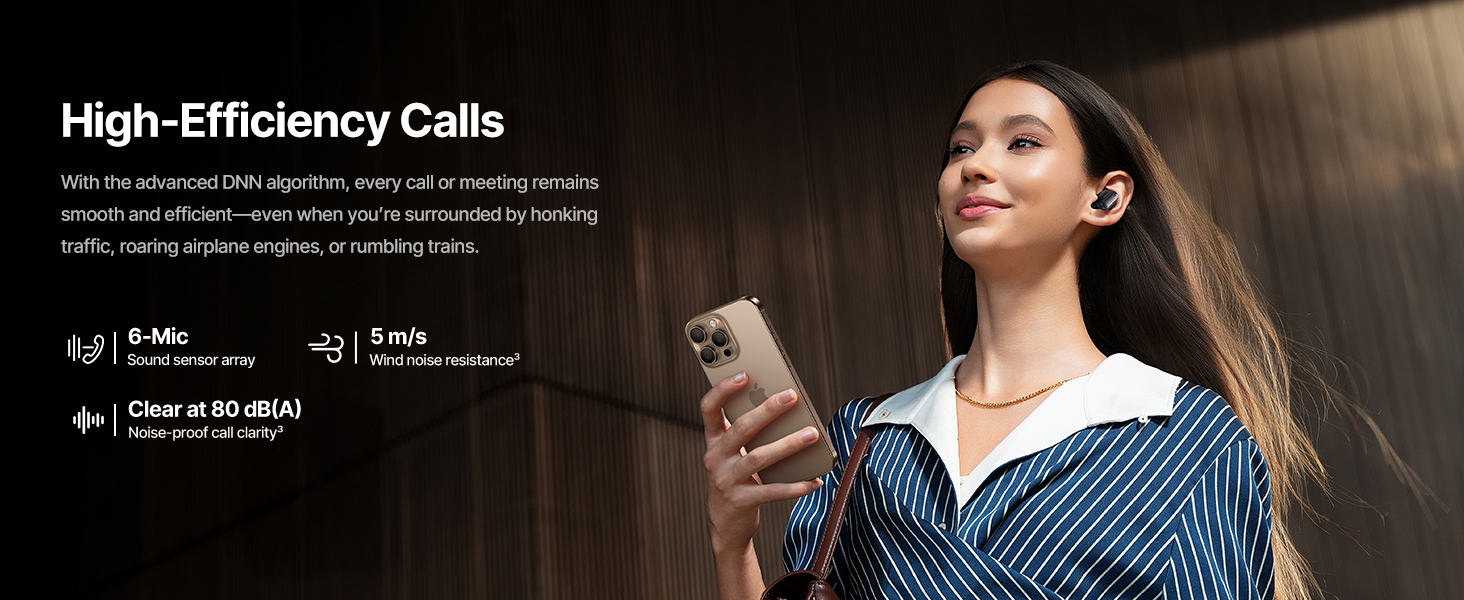
The Baseus Inspire XP1 earbuds feature a contoured in-ear fit with umbrella-shaped liquid silicone tips for comfort and noise isolation. They are equipped with a 6-mic sound sensor array for clear calls and touch-sensitive surfaces for control.

Image: Baseus Inspire XP1 Earbuds.
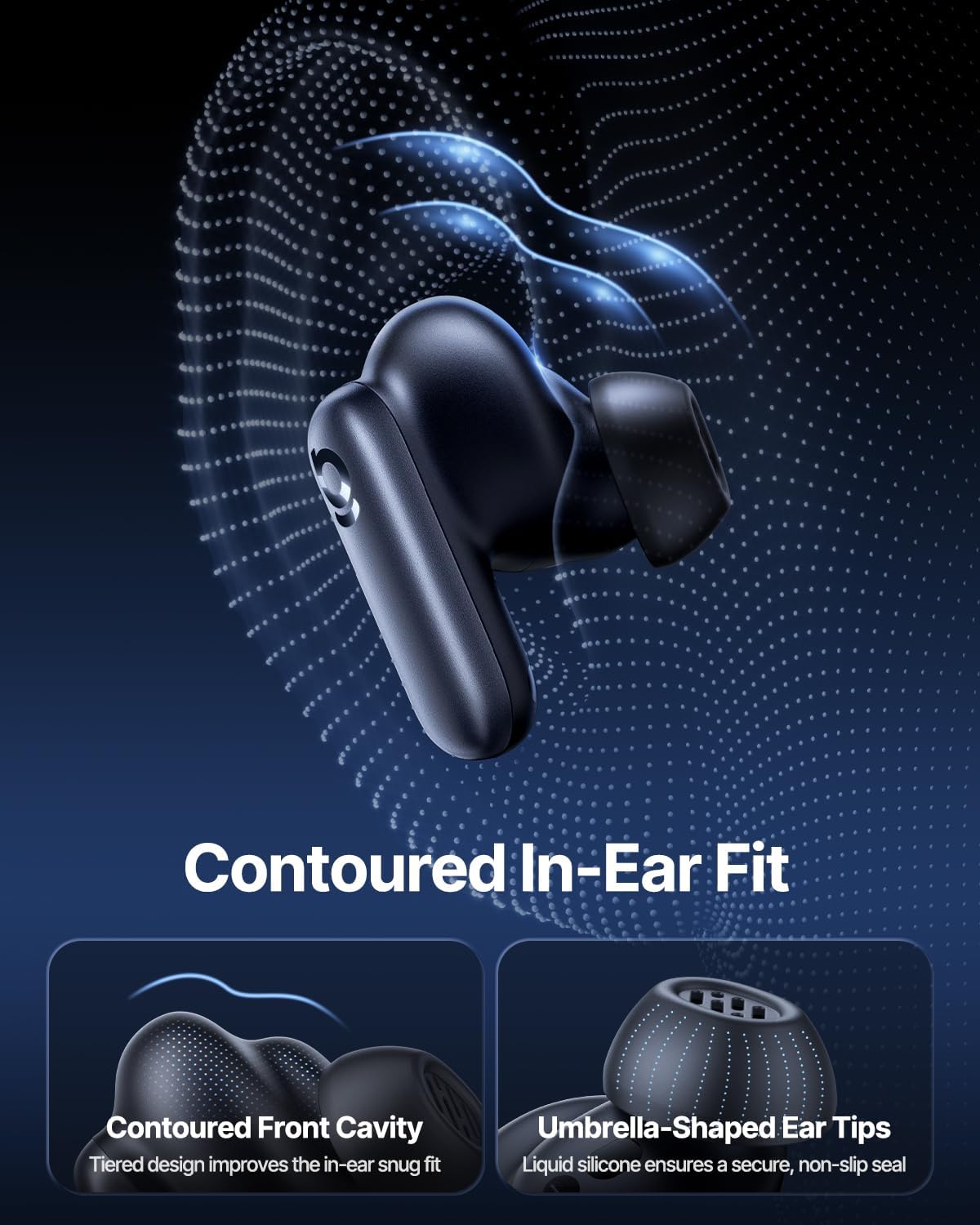
Image: Contoured In-Ear Fit and Umbrella-Shaped Ear Tips.
4. Подешавање
4.1 Почетно упаривање
- Напуните слушалице: Place both earbuds into the charging case and close the lid. Connect the USB-C charging cable to the case and a power source. The indicator light on the case will show charging status.
- Активирајте режим упаривања: Open the charging case. The earbuds will automatically enter pairing mode, indicated by a flashing light on the earbuds or case.
- Повежите се преко Блуетоотх-а: На свом уређају (паметном телефону, таблету, лаптопу) идите на подешавања Bluetooth-а и омогућите Bluetooth. Тражи "Baseus Inspire XP1" in the list of available devices and select it to connect.
- Потврда: Once connected, a voice prompt will confirm successful pairing, and the indicator light will turn solid or off.
4.2 Baseus App Installation
For full functionality, including Dolby Audio, custom EQ settings, and adaptive tuning, download the official Baseus App from your device's app store (iOS App Store or Google Play Store). The app allows for personalized control of your listening experience.
Слика: Интерфејс за паметну контролу апликација.
5. Упутство за употребу
5.1 Укључивање/искључивање
- Укључено: Open the charging case, and the earbuds will automatically power on and attempt to connect to the last paired device.
- Искључивање: Вратите слушалице у кутијицу за пуњење и затворите поклопац. Аутоматски ће се искључити и почети са пуњењем.
5.2 Контроле на додир
The earbuds feature touch-sensitive surfaces for various functions:
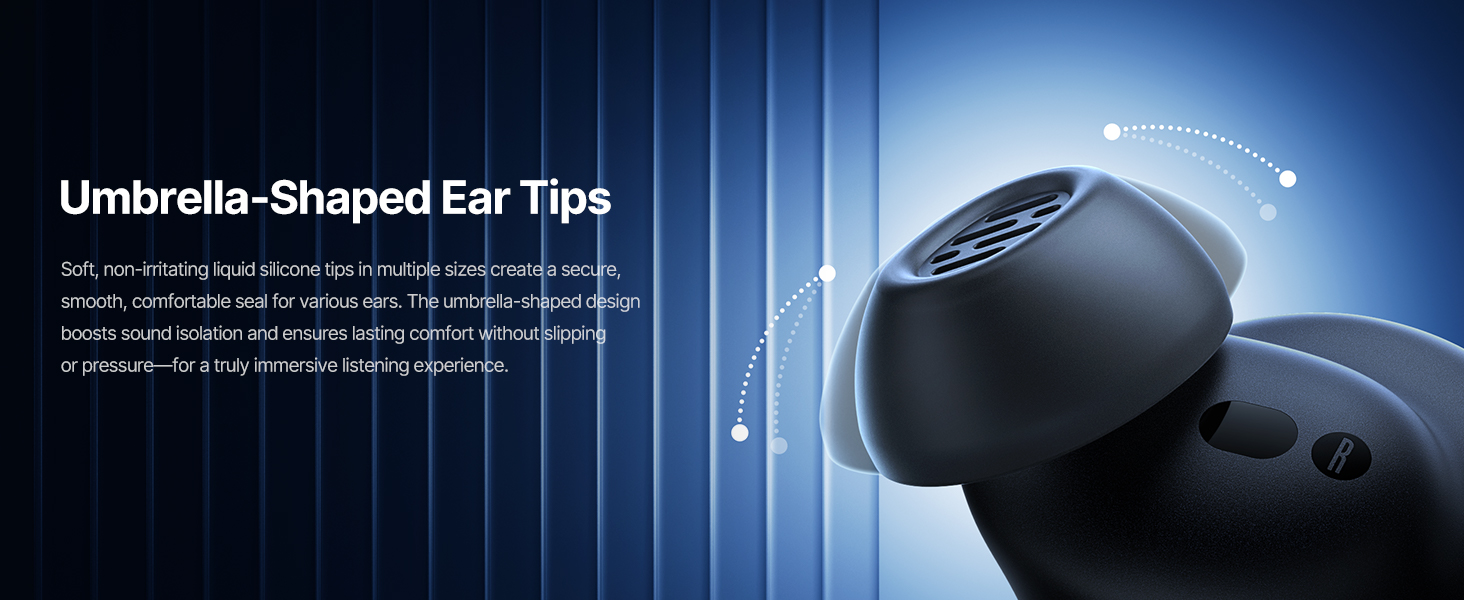
Image: Touch Control Guide.
- Пусти/паузирај музику: Двапут додирните било коју слушалицу.
- Одговори/заврши позиве: Двапут додирните било коју слушалицу.
- Одбијање позива: Додирните и држите било коју слушалицу 1.5 секунде.
- Пребаци ANC/режим транспарентности: Додирните и држите било коју слушалицу 1.5 секунде.
- Активирање гласовног помоћника: Трипут додирните било коју слушалицу.
5.3 Adaptive Noise Cancellation (ANC) and Transparency Mode
The Inspire XP1 earbuds feature Premium Adaptive ANC, which dynamically adjusts noise reduction up to -50 dB based on your environment. Transparency Mode allows you to hear your surroundings without removing the earbuds.

Image: Premium Adaptive ANC in use.
Switch between ANC and Transparency Mode by tapping and holding the touch surface for 1.5 seconds, or manage settings via the Baseus App.
5.4 High-Efficiency Clear Calls
Equipped with a 6-mic sound sensor array and AI algorithms, the earbuds provide clear calls by reducing wind noise and environmental distractions up to 80 dB(A).
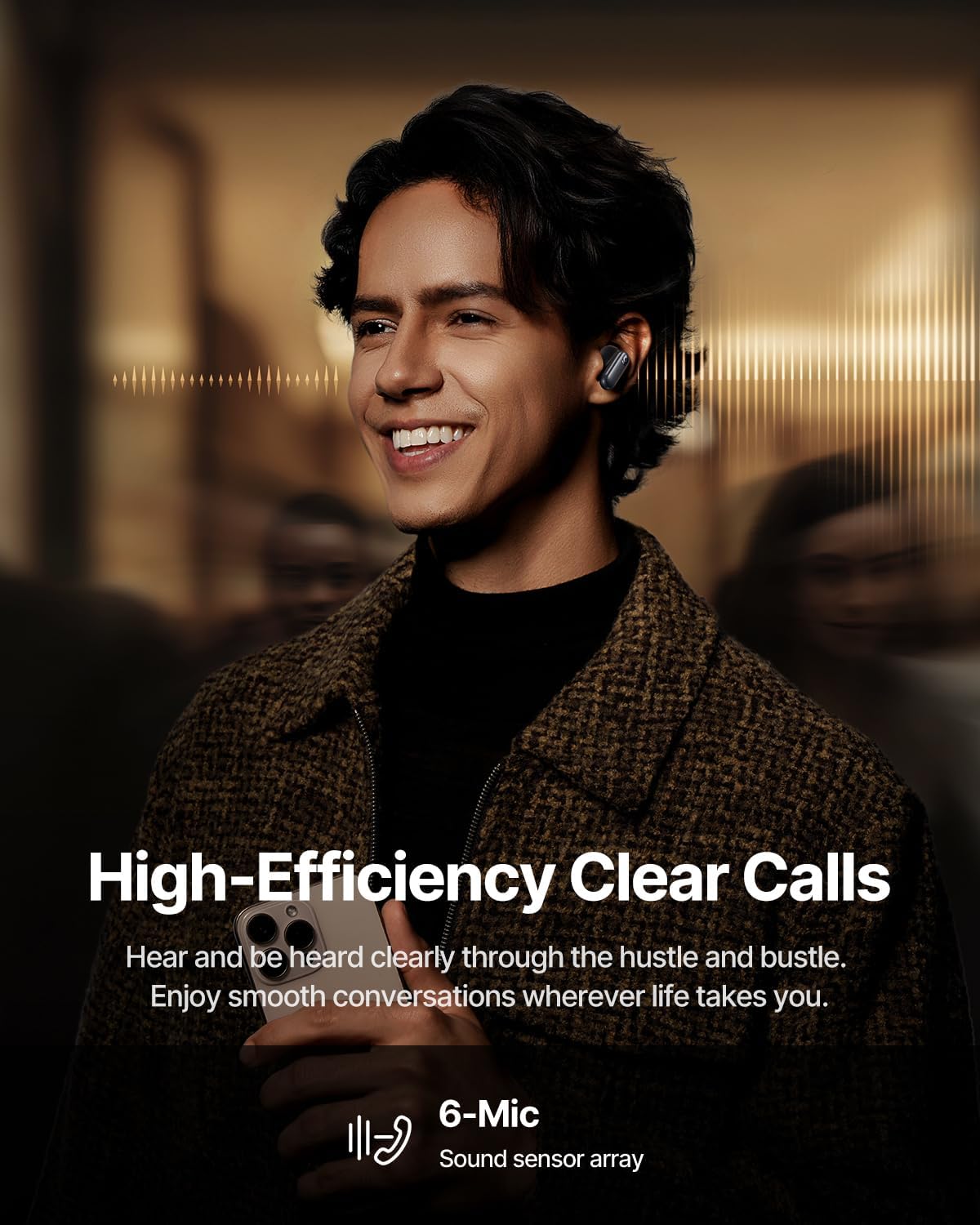
Image: High-Efficiency Clear Calls.
5.5 Charging and Battery Life
The earbuds offer extended playtime with the charging case:
- АНЦ искључен: Up to 8 hours per charge, and up to 45 hours with the charging case.
- АНЦ укључен: Up to 6 hours per charge, and up to 35 hours with the charging case.
- Брзо пуњење: 10 минута пуњења обезбеђује приближно 2.5 сати репродукције.

Image: Day-and-Night Playtime.
5.6 Instant Multipoint Connection
Utilize Baseus Smart-Connect and Bluetooth 6.1 for seamless switching between two paired devices, such as a phone and a laptop, enabling uninterrupted calls and multitasking.
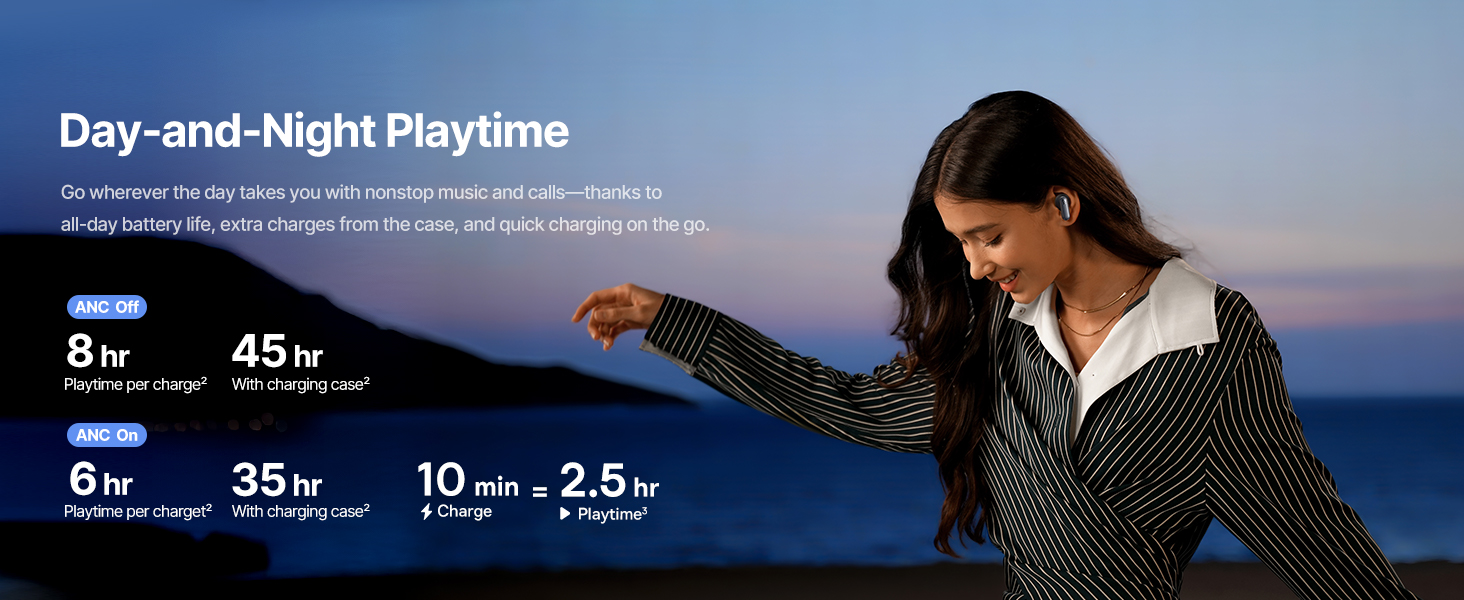
Image: Instant Multipoint Connection.
6. Одржавање
- Чишћење: Редовно чистите слушалице и кућиште за пуњење меком, сувом крпом која не оставља влакна. Не користите абразивне материјале или јаке хемикалије.
- Ушни врхови: Remove and clean the silicone eartips with mild soap and water if necessary. Ensure they are completely dry before reattaching.
- Портови за пуњење: Држите USB-C порт за пуњење чистим од прашине и прљавштине.
- Складиштење: When not in use, store the earbuds in their charging case to protect them and maintain battery life. Avoid extreme temperatures.
КСНУМКС. Решавање проблема
7.1 Слушалице се не упарују
- Уверите се да су слушалице напуњене и да је поклопац кућишта за пуњење отворен.
- Искључите и укључите Блутут на свом уређају.
- Заборавите уређај у подешавањима Bluetooth-а и покушајте поново да га упарите.
- Try resetting the earbuds (refer to the Baseus App or Baseus support for specific reset instructions).
7.2 Нема звука или је јачина звука ниска
- Проверите нивое јачине звука и на уређају и на слушалицама.
- Уверите се да су слушалице правилно постављене у ушима.
- Проверите да ли су слушалице повезане са исправним аудио излазом на вашем уређају.
- Очистите све остатке са звучника слушалица.
7.3 Проблеми са наплатом
- Уверите се да је кабл за пуњење безбедно повезан и са кућиштем и са извором напајања.
- Пробајте други USB-C кабл и адаптер за напајање.
- Очистите контакте за пуњење и на слушалицама и унутар кућишта.
8. Спецификације
Image: Product Specifications.
| Назив модела | Бејсеус Инспајр XP1 |
| Технологија повезивања | Блутут 6.1, бежични |
| Бежична комуникациона технологија | Блуетоотх 6.1 |
| Контрола буке | Adaptive Noise Cancellation, Environmental Noise Cancellation |
| Величина аудио драјвера | 10 милиметара |
| Фреквенцијски опсег | 20 Hz - 20,000 Hz |
| Трајање батерије (ANC искључен) | 8 сати (слушалице), 45 сата (са кућиштем за пуњење) |
| Порт за пуњење | УСБ-Ц |
| Контролни метод | Апликација, додир |
| Материјал | Силицоне |
| Тежина артикла | 7.8 унци |
9. Гаранција и подршка
Baseus products are covered by a limited warranty. For detailed warranty information, product support, or to contact customer service, please visit the official Baseus webсајт или погледајте гарантни лист који се налази у вашем пакету.
Такође можете посетити Басеус продавница на Амазону за додатне ресурсе и информације о производу.


