Увод
This manual provides essential instructions for setting up, operating, and maintaining your LIGE EF21-J Smart Watch. Please read this guide thoroughly to ensure proper use and to fully utilize all features of your device. This smart watch is designed to be a versatile companion for both business and sports activities, offering advanced health monitoring, communication, and fitness tracking capabilities.
Садржај пакета
Проверите да ли су све ставке присутне у вашем пакету:
- 1 x LIGE EF21-J Smart Watch
- 1 x каиш од нерђајућег челика
- 1 к силиконски ремен
- 1 к УСБ магнетни кабл за пуњење
- 1 к Типе-Ц кабл за пуњење
- 1 x Упутство за употребу (овај документ)
Производ је завршенview
The LIGE EF21-J Smart Watch features a 1.43-inch AMOLED display, a durable metal case, and interchangeable straps to suit various occasions. It integrates advanced sensors for comprehensive health and fitness tracking.

Image: The LIGE EF21-J Smart Watch shown in different lifestyle scenarios, highlighting its adaptability for business, casual, and active use.
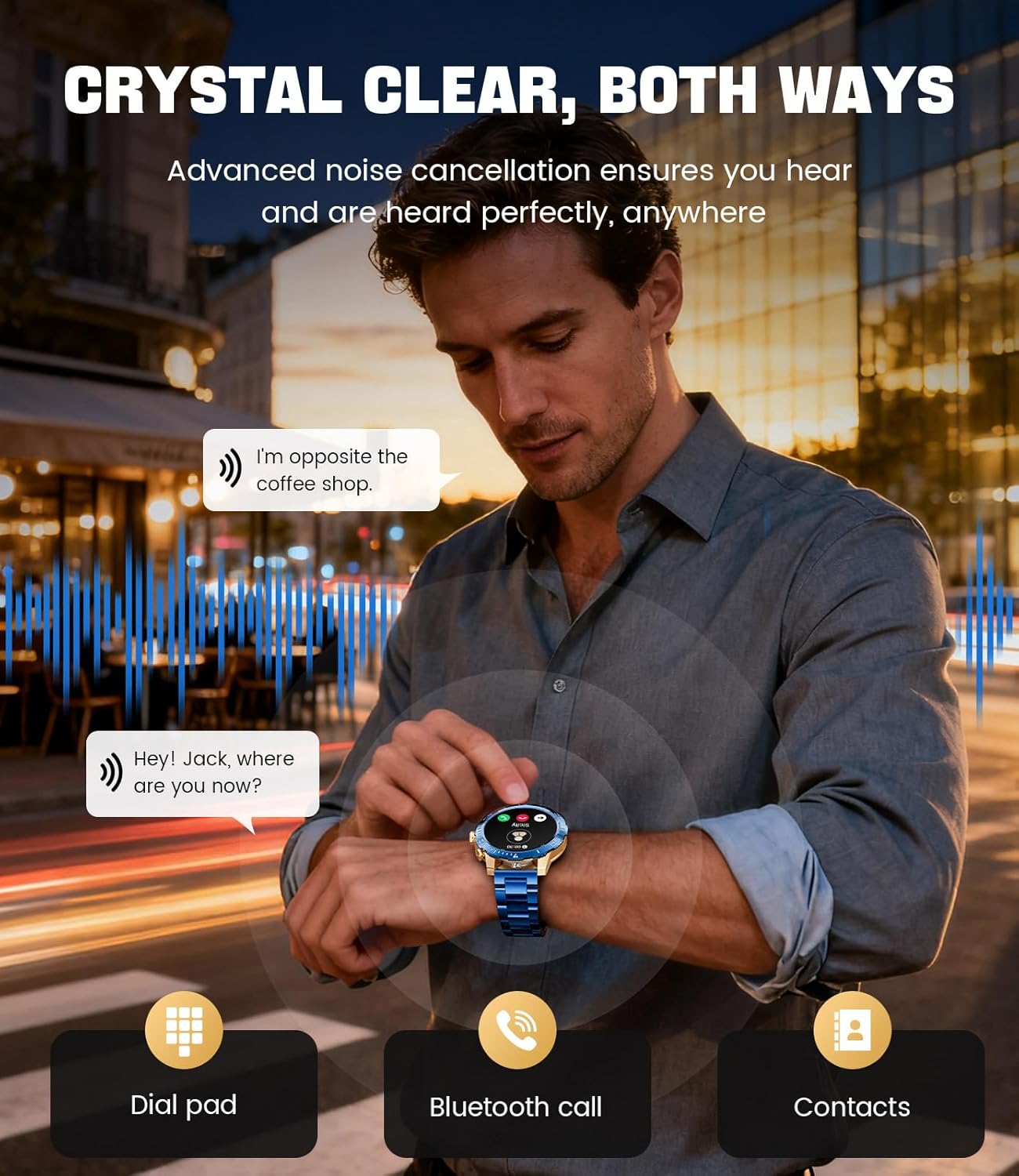
Image: A close-up of the LIGE EF21-J Smart Watch screen showing an incoming call, demonstrating its Bluetooth calling capability with clear audio.

Image: The LIGE EF21-J Smart Watch interface showing a selection of sports modes, including golf, climbing, and running, indicating its extensive activity tracking features.

Image: The LIGE EF21-J Smart Watch screen displaying heart rate, blood oxygen, and sleep data, illustrating its 24/7 health monitoring capabilities.
Видео: Званична видео презентација производаasing the LIGE EF21-J Smart Watch's key features, including its AMOLED display, rotary encoder crown, charging capabilities, compatibility, sports modes, health monitoring, and various smart functions.
Сетуп
1. Пуњење паметног сата
Before first use, fully charge your LIGE EF21-J Smart Watch. The watch comes with both a USB magnetic charging cable and a Type-C charging cable for convenience.
- Connect the magnetic end of the charging cable to the charging points on the back of the watch. Ensure it snaps securely into place.
- Connect the USB or Type-C end of the cable to a compatible power adapter (not included) or a computer's USB port.
- Екран сата ће приказивати статус пуњења. Потпуно пуњење обично траје отприлике 2-3 сата.

Image: The LIGE EF21-J Smart Watch connected to its magnetic charging cable, illustrating the charging process and the inclusion of both USB and Type-C cable options.
2. Инсталација апликације
To unlock the full functionality of your smart watch, download and install the companion application on your smartphone.
- The LIGE EF21-J Smart Watch uses the ФитКлаудПро апликација.
- Тражи "FitCloudPro" in the Apple App Store (for iOS 12.0+ devices) or Google Play Store (for Android 8.0+ devices).
- Преузмите и инсталирајте апликацију.
3. Упаривање уређаја
Pair your smart watch with the FitCloudPro app via Bluetooth to synchronize data and enable smart features.
- Уверите се да је Блуетоотх омогућен на вашем паметном телефону.
- Open the FitCloudPro app and create an account or log in.
- Follow the in-app instructions to add a new device. The app will search for available devices.
- Select "EF21-J" or the corresponding device name from the list.
- Потврдите захтев за упаривање и на паметном телефону и на сату.
- Једном упарен, сат ће синхронизовати време и податке са вашим телефоном.
Упутство за употребу
Основна навигација
- екран осетљив на додир: Превуците прстом лево, десно, горе или доле да бисте се кретали кроз меније и функције. Додирните да бисте изабрали.
- Rotary Encoder Crown: Окрените круницу да бисте се кретали кроз листе или прилагодили подешавања. Притисните круницу да бисте се вратили на почетни екран или потврдили избор.
- Бочно дугме: Typically used for quick access to sports modes or as a back button.
Блуетоотх позивање
Make and receive calls directly from your wrist when connected to your smartphone.
- Ensure your watch is paired with your phone via Bluetooth.
- To make a call: Access the dial pad or contacts list on your watch.
- To answer a call: When a call comes in, tap the green answer icon on the watch screen.
- To reject a call: Tap the red reject icon.
Паметна обавештења
Receive alerts for calls, messages, and app notifications directly on your watch.
- Enable notification permissions for the FitCloudPro app in your phone's settings.
- Configure which app notifications you wish to receive through the FitCloudPro app.
- Swipe down from the watch face to view недавна обавештења.
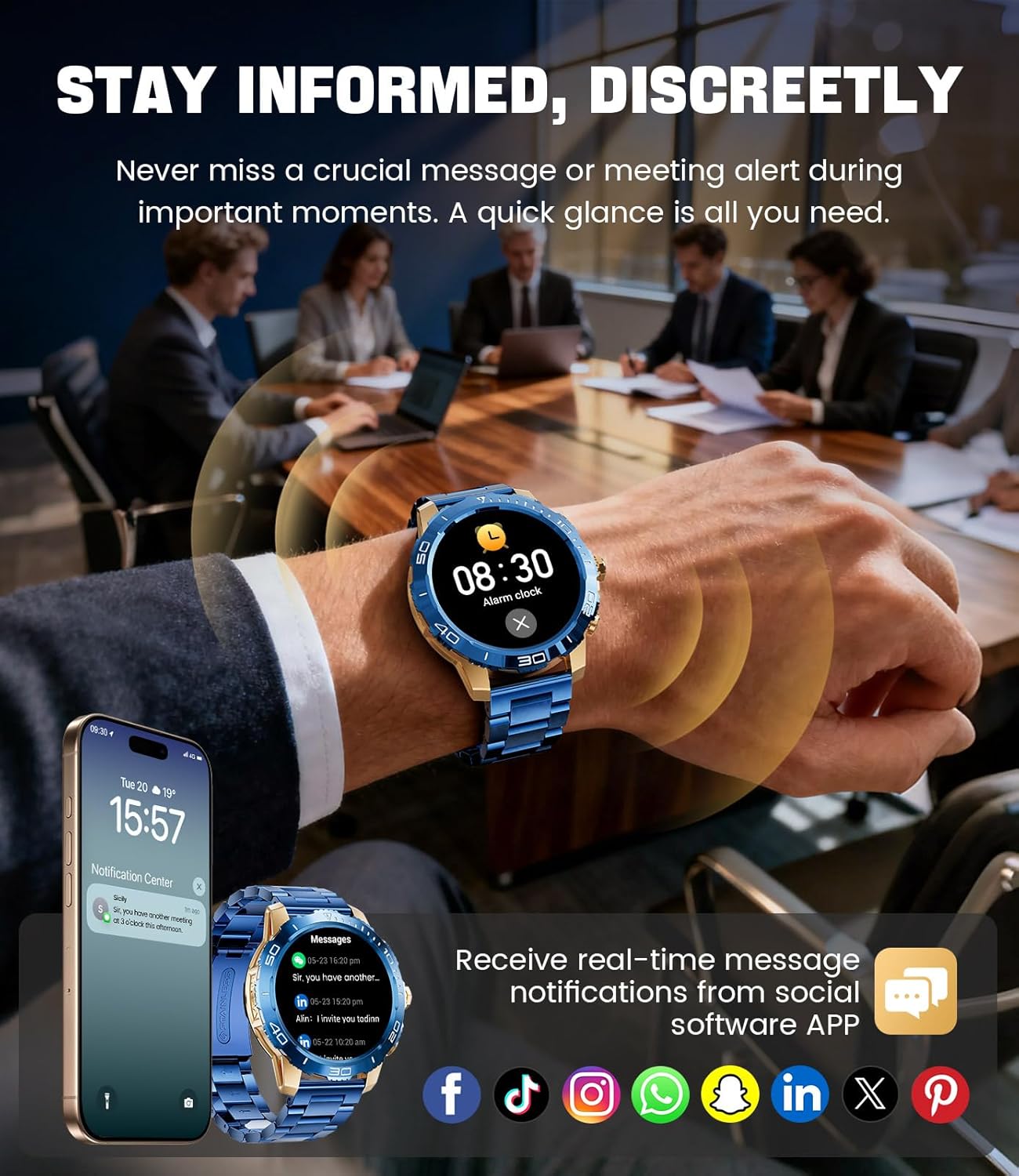
Image: The LIGE EF21-J Smart Watch screen showing incoming message notifications from various social media applications, demonstrating its ability to keep users informed discreetly.
Спортски режими
The watch supports over 200 sports modes to accurately track your physical activities.
- Access the sports mode menu from the main interface.
- Select your desired activity (e.g., running, cycling, yoga, basketball).
- Сат ће почети да прати метрике као што су пређена удаљеност, кораци, потрошене калорије и откуцаји срца.
- End your workout by following the on-screen prompts. Data will sync to the FitCloudPro app for detailed analysis.
Мониторинг здравља
Monitor your heart rate, blood oxygen, and sleep patterns throughout the day.
- Откуцаји срца: Сат континуирано прати ваш откуцај срца. View real-time data on the watch or historical trends in the app.
- Кисеоник у крви (SpO2): Мерите ниво кисеоника у крви по потреби.
- Праћење спавања: Wear the watch to bed to track your sleep duration and quality. Data includes deep sleep, light sleep, and awake times.
- Праћење стреса: The watch can also provide insights into your daily stress levels.
Important: The LIGE EF21-J Smart Watch is not a medical device. Health data provided is for reference only and should not be used for medical diagnosis or treatment. Consult a healthcare professional for any health concerns.
Друге функције
The watch offers a variety of additional features to enhance your daily life:
- Гласовни асистент: Interact with your phone's voice assistant directly from your watch.
- Контрола музичког плејера: Контролишите репродукцију музике на свом паметном телефону (пуштање, паузирање, прескакање нумера).
- Временска прогноза: Добијајте ажурирања о времену у реалном времену.
- Будилник: Set alarms to wake you up or remind you of tasks.
- Седентарни подсетник: Примајте обавештења о кретању након периода неактивности.
- Подсетник за пиће воде: Set reminders to stay hydrated.
- Лампа: Use the watch screen as a small flashlight.
- Пронађи мој телефон: Пронађите упарени паметни телефон.
- Заштита лозинком: Enhance security with a screen lock password.

Image: The LIGE EF21-J Smart Watch interface showcasing a range of smart functions, including music control, weather, breath training, drink reminders, flashlight, and health monitoring summaries.
Управљање батеријом
The LIGE EF21-J Smart Watch is equipped with an 800mAh battery, designed for extended use.
- Типична употреба: Expect over 10 days of battery life with regular use.
- Време приправности: The watch can last over 30 days in standby mode.
- Пуњење: Use the provided USB magnetic or Type-C charging cables. Always use a compatible 5V/1A power adapter.
- Оптимизација батерије: To extend battery life, reduce screen brightness, limit background app refresh, and disable unnecessary notifications.
Одржавање
- Чишћење: Regularly wipe the watch screen and body with a soft, dry cloth. For stubborn dirt, use a slightly damp крпом и добро осушите.
- Отпорност на воду: The watch has an IP68 water resistance rating, meaning it is protected against dust and can withstand immersion in water up to 1.5 meters for up to 30 minutes. It is suitable for daily use, hand washing, and light rain. Избегавајте врућу воду, сауне или роњење, јер пара и висок притисак могу оштетити заптивање.
- Нега ремена: Clean silicone straps with mild soap and water. For stainless steel straps, use a soft brush and mild cleaning solution, then dry completely.
- Складиштење: Чувајте сат на хладном и сувом месту када га не користите. Избегавајте екстремне температуре.
Решавање проблема
| Проблем | Решење |
|---|---|
| Сат се не укључује | Уверите се да је сат потпуно напуњен. Повежите га са пуњачем најмање 30 минута. |
| Не могу да упарим телефон |
|
| Обавештења нису примљена |
|
| Нетачни здравствени подаци | Ensure the watch is worn snugly on your wrist, about one finger's width from your wrist bone. Avoid excessive movement during measurements. Remember, this is not a medical device. |
| Кратко трајање батерије |
|
Спецификације
| Феатуре | Детаљ |
|---|---|
| Број модела | EF21-J |
| Дисплаи | 1.43-инчни AMOLED, 466x466 пиксела |
| Капацитет батерије | Литијум полимер 800мАх |
| Трајање батерије (типично) | 10+ дана |
| Време приправности | 30+ дана |
| Повезивање | Блуетоотх |
| Отпорност на воду | ИП68 |
| Компатибилност оперативног система | Андроид 8.0+ или иОС 12.0+ |
| Цомпанион Апп | ФитЦлоудПро |
| Мониторинг здравља | Heart Rate, Blood Oxygen, Sleep Tracking, Stress Monitoring |
| Спортски режими | 200+ режима |
| Посебне карактеристике | Bluetooth Call, Voice Assistant, Music Control, Weather, Alarm, Sedentary Reminder, Drink Reminder, Flashlight, Find My Phone, Password Protection, AMOLED Always On Display |
| Тежина артикла | 7.1 унце (201 грама) |
| Димензије пакета | 6 к 4 к 0.9 инча (15.24 к 10.16 к 2.29 цм) |
Гаранција и подршка
LIGE provides customer support for your EF21-J Smart Watch. If you encounter any issues or have questions regarding your device, please contact us through the Amazon messaging system. Our professional customer service team is available to assist you.
Молимо погледајте документацију о куповини за конкретне услове гаранције.


