1. Увод
Welcome to the user manual for your new XIAOMI QLED 32" A Pro 2026 Smart TV. This guide provides essential information for setting up, operating, and maintaining your television to ensure optimal performance and enjoyment. Your new Smart TV combines advanced display technology with the intuitive Google TV platform, offering a seamless entertainment experience.
2. Подешавање
2.1. Распакивање и садржај пакета
Carefully remove the television and all accessories from the packaging. Ensure all components are present:
- XIAOMI QLED 32" A Pro 2026 Smart TV
- Ремоте Цонтрол
- Повер Цабле
- ТВ сталак (2x)
- Вијци за склапање постоља
- Кориснички приручник (овај документ)
2.2. Склоп штанда
If you choose to place the TV on a surface, attach the included stands:
- Поставите телевизор екраном надоле на меку, равну површину како бисте спречили огреботине.
- Поравнајте свако постоље са одговарајућим отворима на дну телевизора.
- Причврстите сваки сталак приложеним завртњима.

Image: Close-up of the TV's metallic stand, highlighting its quality construction.
2.3. Монтажа на зид
For wall mounting, use a VESA-compatible bracket (not included). Refer to the dimensions image for VESA mount specifications (100x200mm).

Image: Diagram showing the dimensions of the Xiaomi TV A Pro 32 2026, including height, width, depth, and VESA wall mount specifications (100x200mm).
2.4. Повезивање уређаја
Повежите екстерне уређаје са портовима телевизора:
- ДВИ: Connect gaming consoles, Blu-ray players, or set-top boxes. This model features HDMI connectivity.
- УСБ: За репродукцију медија са УСБ уређаја.
- Мрежа (Етернет): За жичану интернет везу.
- Антена/Сателит: For broadcast TV signals.
Уверите се да су сви прикључци безбедни пре него што укључите телевизор.
3. Операција
3.1. Укључивање/искључивање
Connect the power cable to the TV and a power outlet. Press the power button on the remote control or on the TV itself to turn it on or off.
3.2. Интерфејс Google TV-а
Your TV runs on Google TV, which organizes movies, shows, and more from your apps and subscriptions. It provides personalized recommendations and access to over 10,000 apps through Google's powerful search engine.

Image: The Google TV home screen displaying a variety of streaming applications and personalized content suggestions.
3.3. Гласовна контрола помоћу Google асистента
Use your voice to control your TV and smart home devices. Simply press the Google Assistant button on your remote to get started. You can ask Google Assistant to find films, stream apps, play music, and more.

Image: The Google Assistant logo and text explaining how to use voice commands to control the TV and access content.
3.4. Даљински управљач
The 360° Bluetooth remote control offers convenient customization and allows you to search for content using your voice from any angle.

Image: A close-up of the TV's remote control, highlighting its Bluetooth connectivity and voice control button.
3.5. Гоогле Цаст
Easily stream movies, shows, photos, and more from your phone or tablet directly to your TV using Google Cast. This feature requires Google Cast enabled apps on your mobile device.

Image: A smartphone screen mirroring content to the television via Google Cast, displaying a vibrant landscape.
4. Карактеристике
4.1. QLED Quantum Dot Display
Experience captivating, realistic images with the QLED display, featuring a wide color gamut and precise color adjustment. It delivers vibrant, mesmerizing colors, supporting 1.07 billion colors and DCI-P3 94% color space, a standard used in Hollywood.

Image: An illustration of QLED quantum dot technology, showing layers of display components and a vibrant image on screen.
4.2. Low Blue Light for Eye Comfort
The next-generation DC dimming technology smoothly controls screen brightness and eliminates backlight flicker. The available eye comfort mode effectively reduces blue light, allowing for worry-free enjoyment of stunning visuals.

Image: A person watching the TV in a dimly lit room, illustrating the low blue light feature for eye comfort.
4.3. Dolby Audio & DTS:X
Equipped with dual high-power speakers, the TV delivers fuller treble and richer bass. Enjoy a cinematic experience at home with dynamic and crystal-clear sound certified by Dolby Audio & DTS:X.

Image: The TV screen displaying a wave, with sound waves emanating from the bottom, illustrating Dolby Audio and DTS:X features.
4.4. Full-Screen Display
The TV features an ultra-high screen-to-body ratio with almost invisible borders, providing a more immersive experience when watching films and gaming.

Image: A comparison of a standard TV screen with a full-screen display, highlighting the minimal bezels for an immersive view.
4.5. Leading Performance
With a powerful quad-core processor, 1.5GB of RAM, and 8GB of storage, you can enjoy smooth performance and easily download applications.

Слика: Детаљна view of the TV's internal processor and memory components, illustrating its leading performance capabilities.
4.6. Бежично повезивање
The TV supports Bluetooth 5.0 and Dual-band Wi-Fi for seamless wireless connections to your devices and network.
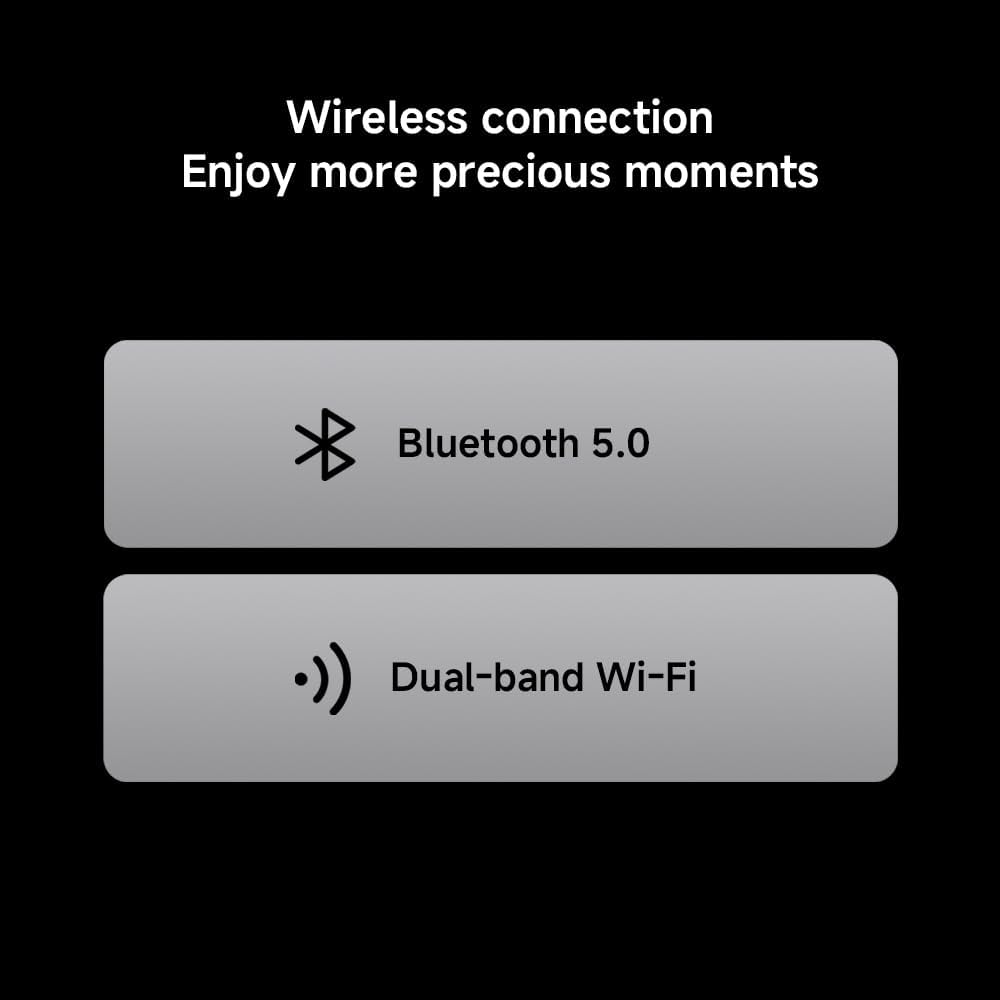
Image: Icons representing Bluetooth 5.0 and Dual-band Wi-Fi, indicating the TV's wireless connectivity options.
4.7. Metallic Design
The TV features an exquisite metal finish and craftsmanship, adding a touch of sophistication to your home decor.
Image: Two close-up shots showcasing the TV's metallic stand and slim side profile, emphasizing its quality design.
5. Спецификације
| Феатуре | Опис |
|---|---|
| Бранд | КСИАОМИ |
| Број модела | 6941948705524 |
| Величина екрана | 32 инча |
| Дисплаи Тецхнологи | КЛЕД |
| Резолуција | 1366 к 768 пиксела (ХД) Note: While marketed as '4K', the official product information sheet specifies HD resolution. |
| Рефресх Рате | 60 Хз |
| Оперативни систем | Гоогле ТВ |
| Аудио технологија | Dolby Audio, DTS:X |
| Повезивање | HDMI, USB, Ethernet, Bluetooth 5.0, Dual-band Wi-Fi |
| Димензије (ДкШкВ) | 120 к 2 к 120 цм |
| Тежина | 6 кг |
| Оцена енергетске ефикасности | F |
| EPREL Registration | 2194746 |

Image: Official Product Information Sheet detailing technical specifications and energy efficiency.

Image: The EU Energy Efficiency Label for the Xiaomi TV, showing its rating and power consumption.
6. Одржавање
6.1. Чишћење телевизора
Да бисте очистили екран, нежно га обришите меком крпом која не оставља влакна. За тврдокорне мрље, лагано дampen the cloth with water or a screen-cleaning solution. Avoid using harsh chemicals or abrasive materials. Clean the TV's exterior with a soft, dry cloth.
6.2. Ажурирања софтвера
Your TV may receive automatic software updates to improve performance and add new features. Ensure your TV is connected to the internet to receive these updates. You can also manually check for updates in the TV's settings menu.
КСНУМКС. Решавање проблема
| Проблем | Решење |
|---|---|
| Но Повер | Проверите да ли је кабл за напајање безбедно повезан са телевизором и утичницом. Уверите се да је утичница исправна. |
| Нема слике/звука | Проверите да ли је изабран исправан улазни извор. Проверите све кабловске везе (HDMI, антена итд.) да ли су лабаве или оштећене. |
| Даљински управљач не ради | Замените батерије у даљинском управљачу. Уверите се да нема препрека између даљинског управљача и телевизора. |
| Проблеми са мрежном везом | Рестартујте рутер и модем. Проверите подешавања Wi-Fi мреже на телевизору или се уверите да је Ethernet кабл правилно повезан. |
| Споро перформансе | Close unused applications. Clear cache and data from apps in the TV settings. Consider uninstalling rarely used apps to free up storage. |
8. Гаранција
Your XIAOMI QLED 32" A Pro 2026 Smart TV comes with a standard manufacturer's warranty. Please refer to the warranty card included in your product packaging or visit the official Xiaomi webсајт за детаљне услове и одредбе у вези са гаранцијом и сервисирањем.
9. Подршка
For further assistance, technical support, or to access additional resources, please visit the official Xiaomi support website or contact their customer service. You can also find more product information via the EPREL database using the registration number: 2194746.
9.1. Званични видео производа
Video: An official product video from Xiaomi showcasing the features of the Xiaomi TV F Pro 32 2026, including its design, display, and smart functionalities.


