1. Увод
This manual provides detailed instructions for using your Xiaomi Pad 7 tablet. It covers everything from initial setup to advanced features, ensuring you can maximize your device's potential. Please read this guide thoroughly to understand all functionalities and maintain optimal performance of your tablet.
Note: The images included in this manual are of the "Xiaomi Pad 7 User Guide" book, which provides the content for this digital manual. They do not depict the Xiaomi Pad 7 tablet itself.
2. Почетно подешавање
Follow these steps to set up your Xiaomi Pad 7 for the first time:
- Распакивање и укључивање: Carefully remove your tablet from its packaging. Press and hold the power button until the Xiaomi logo appears.
- Језик и регион: Изаберите жељени језик и регион из упутстава на екрану.
- Повежите се на Ви-Фи: Choose your Wi-Fi network and enter the password to connect to the internet. This is essential for downloading updates and setting up your Google account.
- Подешавање Гоогле налога: Sign in with your existing Google account or create a new one. This allows access to the Google Play Store, Gmail, and other Google services.
- Xiaomi Account (Optional): Consider signing in or creating a Xiaomi account for access to Xiaomi Cloud services, device synchronization, and other exclusive features.
- Пренос података: If you are upgrading from another device, follow the on-screen instructions to transfer your data.
- Сигурносно подешавање: Set up a screen lock method (PIN, pattern, password, fingerprint, or face unlock) to protect your device.
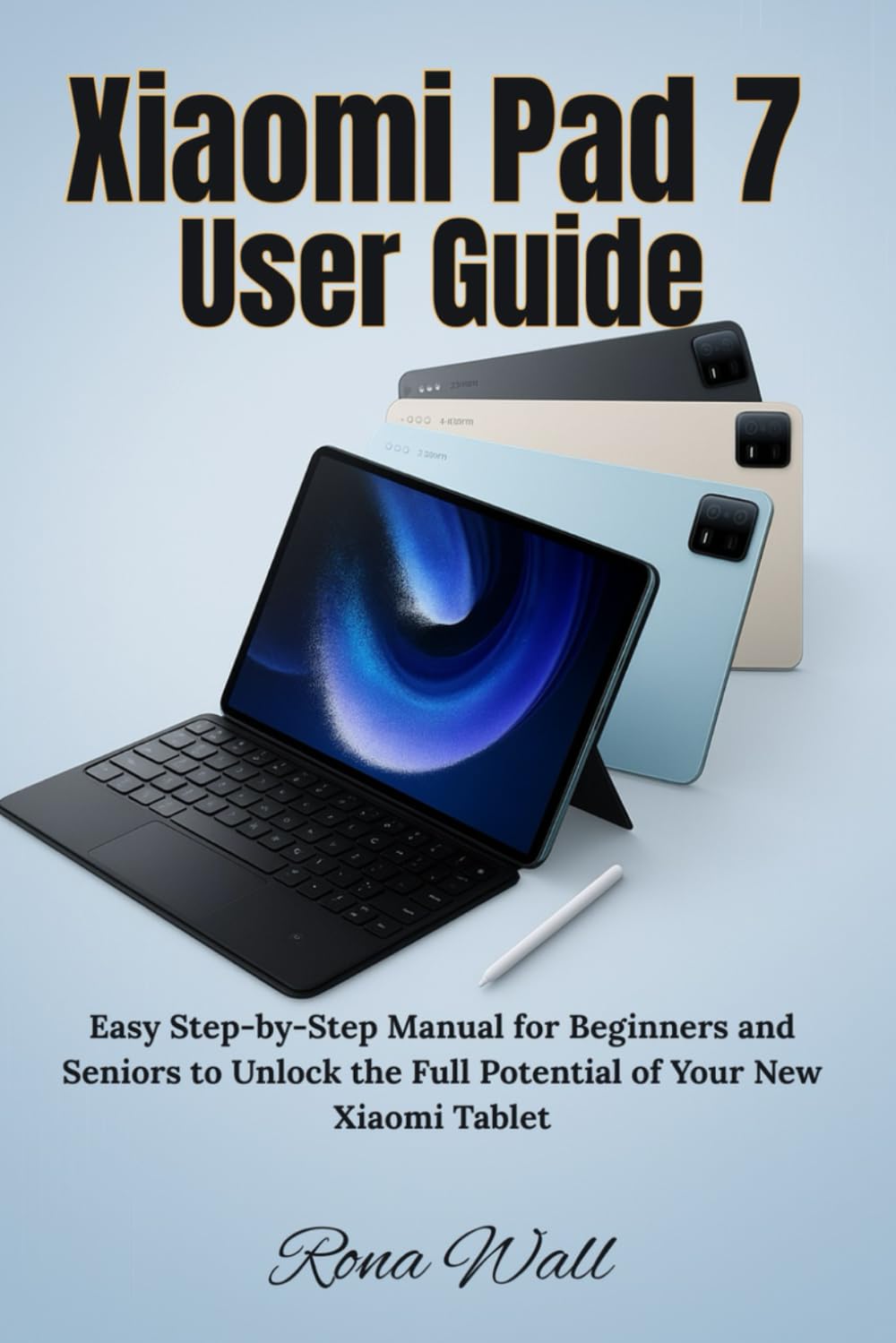
Image: Front cover of the "Xiaomi Pad 7 User Guide" book. This book provides the content for this manual.
3. Device Operation and Navigation
3.1 Физички распоред
Familiarize yourself with the physical buttons and ports on your Xiaomi Pad 7:
- Дугме за напајање: Located on the top/side, used to turn the device on/off, lock/unlock the screen, and restart.
- Дугмад за јачину звука: Located on the side, used to adjust media volume, call volume, and notification volume.
- УСБ-Ц порт: Located at the bottom, used for charging, data transfer, and connecting accessories.
- говорници: Typically located on the sides for audio output.
- микрофони: За гласовни унос током позива или снимања.
3.2 Гестови на екрану осетљивом на додир
Navigate your tablet using intuitive touch gestures:
- Додирните: Изаберите ставку, отворите апликацију или потврдите радњу.
- Дуго притисните: Приступите контекстуалним менијима или померите иконе.
- Превуците: Scroll through pages, switch between home screens, or dismiss notifications.
- Зумирање штипкањем прстију: Enlarge or shrink content like photos and web странице.
- Two-Finger Swipe: Often used for specific app functions or scrolling.
3.3 Notification Panel and Quick Settings
Swipe down from the top of the screen to access:
- Обавештења: View alerts from apps and the system.
- Брза подешавања: Toggle Wi-Fi, Bluetooth, screen brightness, rotation lock, and more.
4. Key Features and Customization
4.1 Personalization Tools
Customize your Xiaomi Pad 7 to reflect your style:
- Позадине и теме: Change your home screen and lock screen backgrounds. Explore various themes to alter the entire look and feel of your MIUI interface.
- Додаци: Add widgets to your home screen for quick access to information and app functions.
- Изглед почетног екрана: Organize app icons, create folders, and adjust grid size.
4.2 Productivity and Multitasking
Enhance your efficiency with these features:
- Подели екран: Покрените две апликације истовремено.
- Floating Windows: Open apps in resizable, movable windows over other applications.
- Smart Keyboard and Stylus Support: Connect compatible accessories for improved typing and drawing experiences.
4.3 Entertainment Essentials
Your Xiaomi Pad 7 is designed for immersive entertainment:
- Репродукција медија: Enjoy videos, music, and podcasts using pre-installed apps or downloaded streaming services.
- Режим читања: Optimize the screen for comfortable reading, reducing eye strain.
- Играње: Download and play a wide range of games from the Google Play Store.
4.4 Camera and Gallery Mastery
Capture and manage your memories:
- Снимање фотографија и видео записа: Use the camera app to capture high-quality images and record videos. Explore various modes like Portrait, Panorama, and Pro mode.
- Gallery Features: Organize, view, and perform basic edits on your photos and videos.
- Дељење: Easily share your media through social media, messaging apps, or cloud services.
4.5 Xiaomi Cloud and Account Services
Leverage Xiaomi's ecosystem for data management:
- Резервна копија у облаку: Back up your photos, contacts, messages, and app data to Xiaomi Cloud.
- Синхронизација уређаја: Synchronize data across multiple Xiaomi devices.
- Пронађите уређај: Locate, lock, or erase your device remotely if it's lost or stolen.
4.6 Security and Privacy Settings
Protect your tablet and personal information:
- Закључавање екрана: Configure PIN, pattern, password, fingerprint, or face unlock.
- Дозволе за апликације: Manage which apps have access to your camera, microphone, location, and other sensitive data.
- Контролна табла за приватност: Monitor app access to your privacy-sensitive data.
- Безбедносна ажурирања: Ensure your system is always up-to-date with the latest security patches.
4.7 Advanced Features and Tips
Explore additional functionalities for enhanced control:
- Оптимизација батерије: Utilize power-saving modes and monitor battery usage to extend battery life.
- Опције програмера: (For advanced users) Access settings for debugging, animation scales, and other system-level controls.
- Ажурирања система: Regularly check for and install MIUI system updates to get new features and performance improvements.
5. Одржавање
Proper maintenance ensures the longevity and optimal performance of your Xiaomi Pad 7:
- Чишћење: Користите меку крпу која не оставља влакна за чишћење екрана и кућишта. Избегавајте јаке хемикалије или абразивне материјале.
- Ажурирања софтвера: Always keep your operating system and apps updated to the latest versions for security and performance enhancements.
- Одржавање батерије: Avoid extreme temperatures. Do not let the battery drain completely regularly, and avoid keeping it at 100% charge for extended periods.
- Управљање складиштем: Редовно чистите кеш меморију, бришите непотребне fileи деинсталирајте неискоришћене апликације да бисте ослободили простор за складиштење.

Image: Back cover of the "Xiaomi Pad 7 User Guide" book, showing the ISBN barcode.
6. Решавање уобичајених проблема
Ево решења за неке уобичајене проблеме на које можете наићи:
- Уређај се не укључује: Ensure the battery is charged. Connect to a charger and wait a few minutes before attempting to power on again. If unresponsive, try a forced restart (usually by holding the power button for 10-15 seconds).
- Рушење или замрзавање апликација: Close the app and reopen it. Clear the app's cache and data in Settings > Apps. If the issue persists, uninstall and reinstall the app.
- Проблеми са повезивањем путем Wi-Fi/Bluetooth-а: Toggle Wi-Fi/Bluetooth off and on. Restart your tablet and your router/Bluetooth device. Forget the network/device and reconnect.
- Споре перформансе: Close background apps. Clear cache. Restart the device. Ensure sufficient free storage space.
- Батерија се брзо празни: Check battery usage in Settings to identify power-hungry apps. Reduce screen brightness, disable unnecessary features (GPS, Bluetooth, Wi-Fi when not in use).
- Фацтори Ресет: As a last resort, if software issues persist, you can perform a factory reset (Settings > About tablet > Factory reset). Упозорење: Овим ћете обрисати све податке на вашем уређају. Направите резервну копију важних података пре него што наставите.
7. Спецификације
Detailed technical specifications for the Xiaomi Pad 7 tablet are typically found on the official Xiaomi website, product packaging, or within the device's settings (Settings > About tablet). Key specifications generally include:
- Приказ: Screen size, resolution, panel type.
- процесор: CPU model and core count.
- Меморија (РАМ): Amount of RAM.
- Складиштење: Internal storage capacity.
- камере: Front and rear camera megapixels and features.
- батерија: Battery capacity (mAh).
- Оперативни систем: Android version and MIUI version.
- Повезивање: Wi-Fi standards, Bluetooth version, cellular support (if applicable).
- Димензије и тежина: Physical size and weight of the tablet.
Please refer to the official Xiaomi product page for the most accurate and up-to-date specifications for your specific Xiaomi Pad 7 model.
8. Гаранција и подршка
8.1 Информације о гаранцији
Your Xiaomi Pad 7 comes with a limited warranty. The terms and conditions of the warranty vary by region and retailer. Please refer to the warranty card included with your product or visit the official Xiaomi webсајт за детаљне информације о гаранцији специфичне за вашу куповину.
Typically, the warranty covers manufacturing defects but does not cover damage caused by misuse, accidents, unauthorized repairs, or normal wear and tear.
8.2 Корисничка подршка
For technical assistance, service, or further inquiries, please contact Xiaomi customer support through one of the following channels:
- Званични Xiaomi Webсајт: Посетите mi.com/global/support за честа питања, водиче за решавање проблема и опције контакта.
- Сервисни центри: Locate authorized Xiaomi service centers in your region.
- Телефонска подршка: Check the Xiaomi support webсајт за локалне бројеве телефона корисничке службе.
Када контактирате подршку, припремите серијски број уређаја и доказ о куповини.


