1. Подешавање
This section guides you through the initial setup of your Roku Select Series 24-Inch 720p HD Smart TV.
1.1 Распакивање и садржај пакета
Пажљиво извадите све компоненте из паковања. Уверите се да су присутне све ставке наведене у наставку:
- Roku Select Series 24-Inch 720p HD Smart TV
- Roku Voice Remote (with 2 AAA batteries included)
- ТВ сталак (2 комада) и шрафови
- Повер Цабле
- Кориснички приручник (овај документ)
1.2 Причвршћивање постоља за телевизор
Place the TV screen-down on a soft, clean surface to prevent scratches. Align the stand pieces with the designated slots on the bottom of the TV. Secure the stand using the provided screws. Ensure the stand is firmly attached for stability.
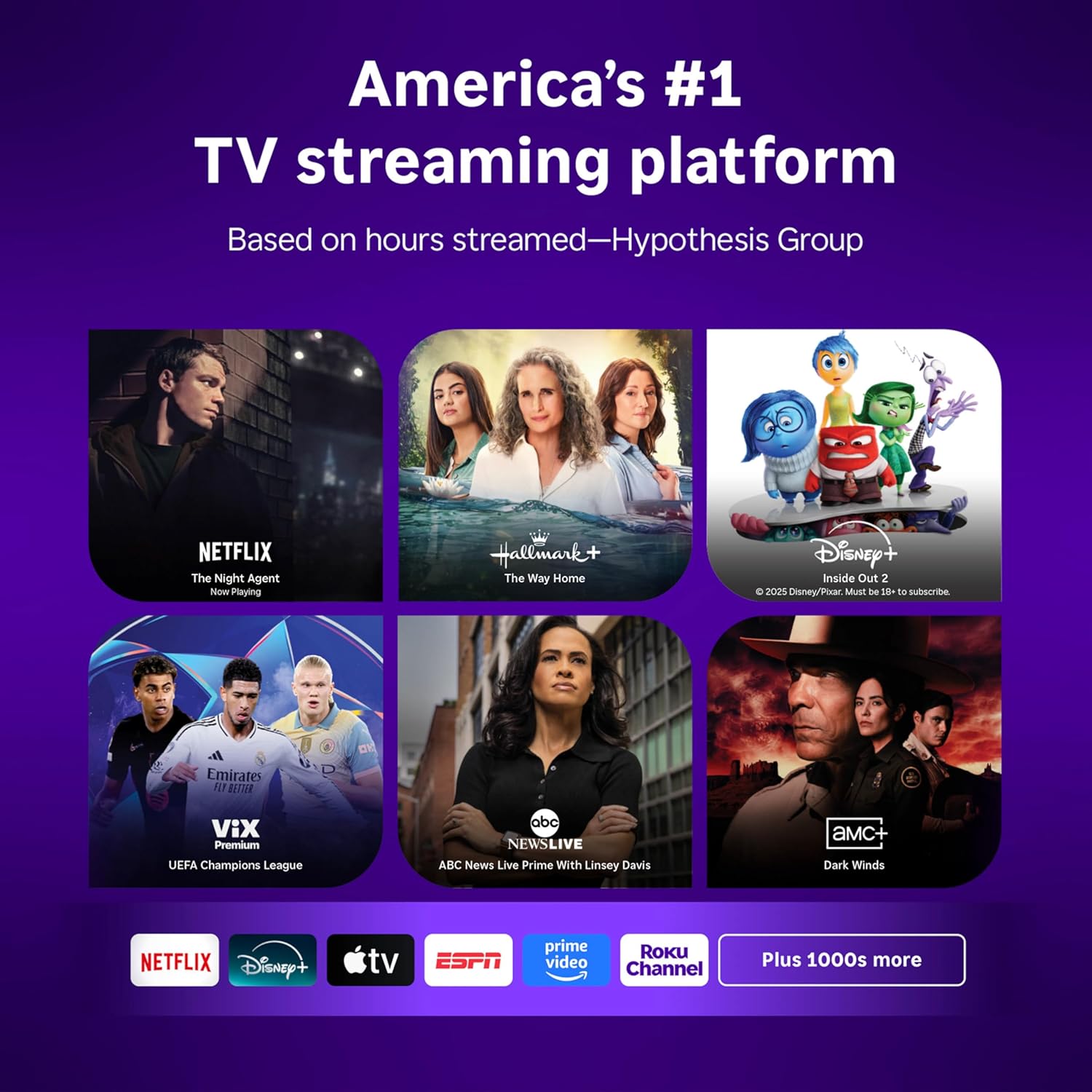
Image: Roku Select Series 24-Inch TV with its remote and stand components laid out for assembly.
1.3 Укључивање и почетно подешавање
Connect the power cable to the TV and a power outlet. Insert the AAA batteries into the Roku Voice Remote. Press the power button on the remote to turn on the TV. Follow the on-screen instructions to select your language, connect to your Wi-Fi network, and activate your Roku account. A Roku account is required to access streaming features.
1.4 Повезивање екстерних уређаја
Your TV includes multiple HDMI ports for connecting external devices such as gaming consoles, Blu-ray players, or cable boxes. Refer to the image below for port locations.

Слика: Позади view of the Roku Select Series TV, highlighting the HDMI, USB, and optical audio ports for connecting various devices.
2. Оперативни
Learn how to navigate your Roku Smart TV and access its features.
2.1 Roku Home Screen Navigation
The Roku Home Screen provides easy access to all your streaming channels, inputs, and settings. Use the directional pad on your remote to navigate through the menu options on the left and the app tiles on the right.

Image: The Roku TV home screen, showing a selection of streaming applications and the main navigation menu.
2.2 Коришћење гласовног даљинског управљача
The Roku Voice Remote allows for convenient control of your TV. Press the voice button and speak commands to search for content, launch apps, or control playback. Dedicated shortcut buttons provide instant access to popular streaming services.

Image: The Roku Voice Remote, featuring a voice search button, standard TV controls, and quick access buttons for popular streaming apps.
2.3 Streaming Apps and Live TV
Access thousands of streaming apps, including Netflix, Hulu, Disney+, and more, directly from your home screen. The Roku TV also offers access to free live television channels through the Live TV menu option.
2.4 Bluetooth Headphone Mode
Connect your favorite wireless headphones via Bluetooth for private listening. This feature allows you to enjoy your entertainment without disturbing others.

Image: A child wearing wireless headphones, demonstrating the Bluetooth Headphone Mode feature of the Roku TV.
2.5 Званични производ прекоview Видео
Video: An official product video from Roku, Inc. providing an overview of the Roku Select Series TV features and user experience.
3. Одржавање
Правилно одржавање осигурава дуготрајност и оптималне перформансе вашег телевизора.
3.1 Чишћење телевизора
Да бисте очистили екран, нежно га обришите меком, сувом крпом која не оставља влакна. За тврдокорне мрље, лаганоampen the cloth with water or a screen cleaner specifically designed for TVs. Avoid using harsh chemicals or abrasive materials. Clean the TV's exterior with a soft, dry cloth.
3.2 Ажурирања софтвера
Your Roku TV receives automatic software updates to ensure you have the latest features and improvements. Ensure your TV is connected to the internet for these updates to download and install seamlessly.
КСНУМКС. Решавање проблема
This section addresses common issues you might encounter with your Roku TV.
4.1 No Power or Display
- Уверите се да је кабл за напајање безбедно повезан и са телевизором и са исправном утичницом.
- Проверите да ли је утичница функционална тако што ћете укључити други уређај.
- Verify that the remote control batteries are fresh and correctly inserted.
4.2 Проблеми са Wi-Fi повезивањем
- Поново покрените свој Wi-Fi рутер и модем.
- Иди на Подешавања > Мрежа > Подеси везу on your TV to re-establish the Wi-Fi connection.
- Уверите се да је телевизор у домету вашег Wi-Fi рутера.
4.3 Picture Quality Adjustments
The Roku Smart Picture feature automatically optimizes incoming TV signals. You can also manually adjust picture settings:
- Дођите до Settings > Picture settings.
- Choose from preset picture modes like Standard, Vivid, Sports, or Movie.
- For advanced adjustments, select 'Customize picture' to modify backlight, brightness, contrast, sharpness, color, and tint.

Image: The Roku TV screen showing the Picture Mode settings menu, with options like Roku Smart Picture, Low power, Standard, Vivid, Sports, and Movie.
4.4 Sound Quality Adjustments
Your TV features Dolby Audio for clear speech and louder sound. Adjust sound settings via Подешавања > Аудио. Options include:
- Режим звука: Select from Standard, Dialogue, Movie, Music, or Night.
- Јасноћа говора: Enhances dialogue for easier listening.
- Режим јачине звука: Options like Leveling to maintain consistent volume across content.
5. Спецификације
| Феатуре | Спецификација |
|---|---|
| Димензије производа (Д x Ш x В) | 7 cm x 21.1 cm x 14.3 cm |
| Тежина артикла | 5.7 фунти |
| Величина екрана | 24 инча |
| Дисплаи Тецхнологи | ЛЕД |
| Резолуција | 720п |
| Рефресх Рате | 60 Хз |
| Технологија повезивања | Блуетоотх, Ви-Фи |
| Посебне карактеристике | Bluetooth Headphone Mode, Dolby Audio, Voice Remote |
| Укључене компоненте | Кабл за напајање, даљински управљач, постоље, упутство за употребу |
| Број модела | 24R2D5 |

Image: The Roku Select Series TV with its key dimensions (width, height, depth) clearly indicated.
6. Гаранција и подршка
For warranty information and technical support, please refer to the official Roku website or contact Roku customer service. Keep your purchase receipt for warranty claims.