1. Увод
This manual provides essential information for setting up, operating, maintaining, and troubleshooting your Sharp Aquos QLED 55 Inch 4K Ultra HD Xumo Smart TV. Please read this manual thoroughly before using your television and retain it for future reference.
Слика: Фронт view of the Sharp Aquos QLED 55 Inch 4K Ultra HD Xumo Smart TV.
2. Безбедносне информације
Always follow basic safety precautions when using this television to reduce the risk of fire, electric shock, and injury. Keep the television away from moisture, direct sunlight, and heat sources. Ensure proper ventilation and do not block any ventilation openings. Use only the power cord and accessories specified by the manufacturer. Refer to the full safety guidelines in the included printed manual.
3. Шта је у кутији
Your Sharp Aquos QLED 55 Inch 4K Ultra HD Xumo Smart TV package includes:
- Sharp Aquos QLED 55 Inch 4K Ultra HD Xumo Smart TV
- Гласовни даљински управљач
- ТВ сталак (2 комада)
- Вијци за постоље за ТВ
- Повер Цорд
- Кориснички приручник (овај документ)
- Водич за брзи почетак
4. Подешавање
4.1 Причвршћивање постоља за телевизор
- Пажљиво поставите телевизор екраном надоле на меку, равну површину како бисте спречили оштећења.
- Поравнајте сваки део постоља са одговарајућим отворима за завртње на дну телевизора.
- Secure each stand piece using the provided screws. Ensure they are tightened firmly.
4.2 Монтажа на зид (опционо)
If you choose to wall mount your TV, ensure you use a VESA-compatible wall mount kit (sold separately) that supports the 55-inch screen size and weight. Follow the instructions provided with your wall mount kit. Remove the TV stand before mounting.
4.3 Повезивање уређаја
Connect your external devices (cable box, gaming console, soundbar, etc.) to the appropriate ports on the back of the TV. The Sharp Aquos QLED TV features multiple HDMI inputs for versatile connectivity.

Слика: Позади view of the Sharp Aquos QLED TV showing cable management through the stand.
4.4 Прикључак за напајање
Plug the power cord into the TV's power input, then into a wall outlet. The TV is now ready for initial setup.
5. Упутство за употребу
5.1 Почетно подешавање и мрежна веза
Upon first power-on, the TV will guide you through the initial setup process. This includes selecting your language, connecting to your Wi-Fi network (dual-band Wi-Fi supported for reliable streaming), and agreeing to terms and conditions. Follow the on-screen prompts.
5.2 Функције даљинског управљача
The included voice remote allows for intuitive navigation. Use the directional pad to move through menus, the OK button to select, and dedicated buttons for popular streaming services. The built-in voice search feature provides hands-free control for launching apps, adjusting volume, and switching inputs.
5.3 Xumo Smart TV Platform
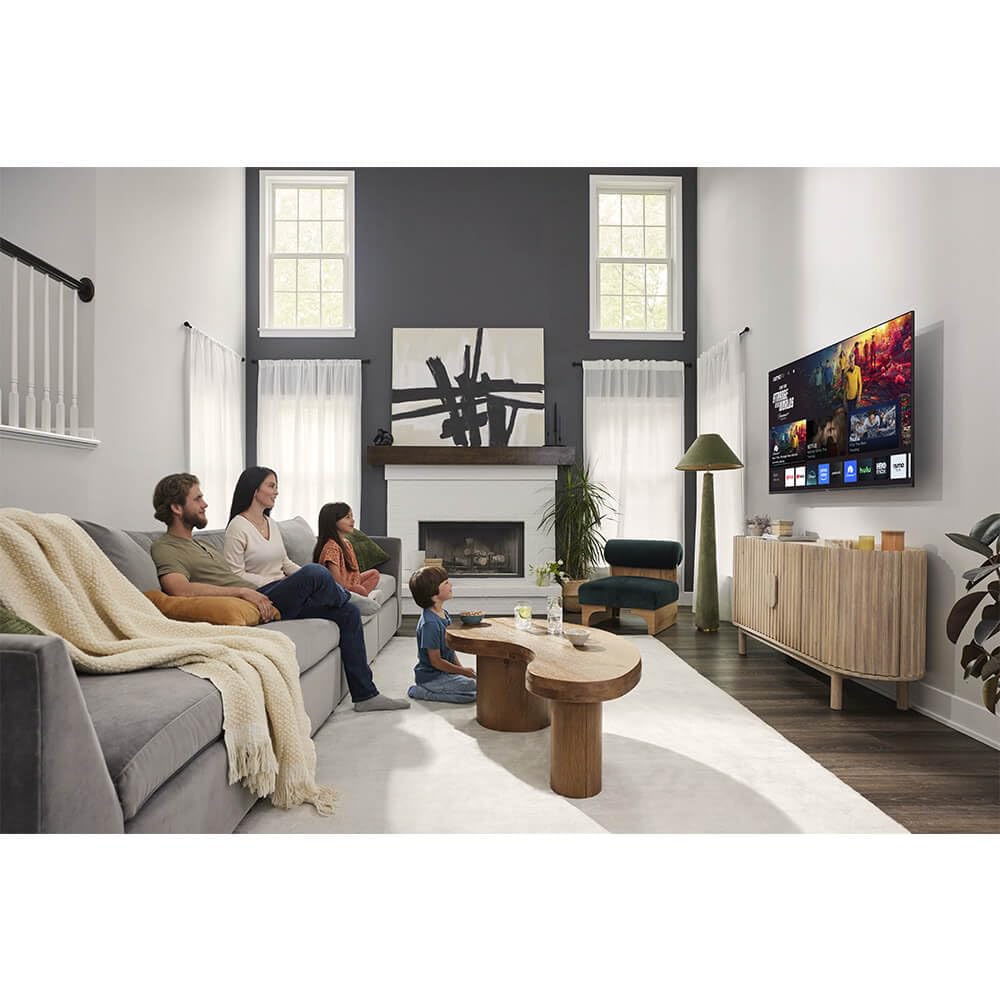
The Xumo Smart TV system offers fast and intuitive access to your favorite streaming applications. The clean home screen allows for easy navigation and personalized content recommendations.
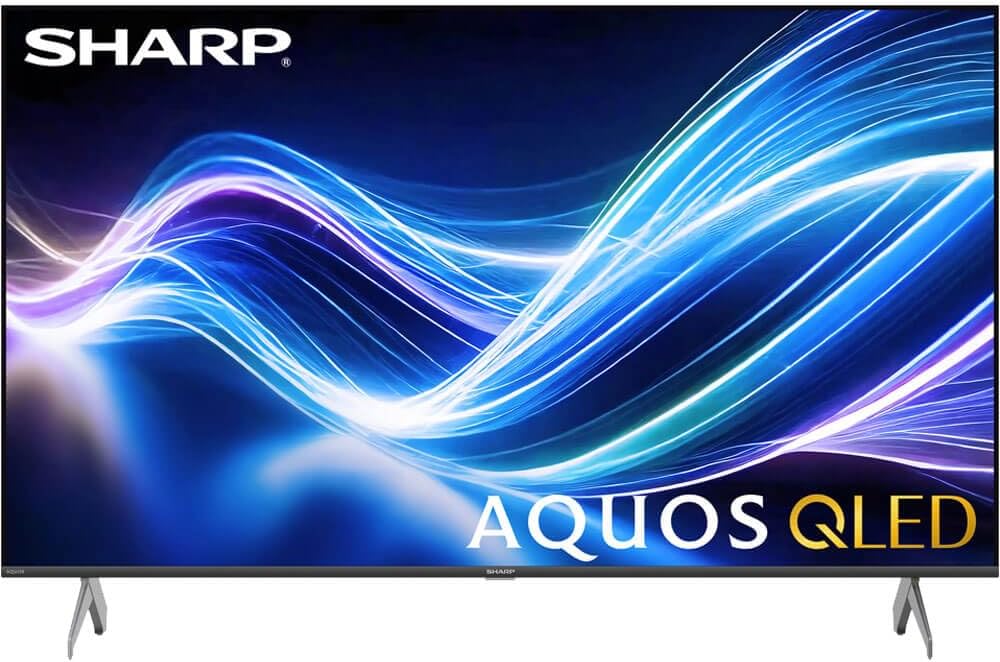
Image: The Xumo Smart TV home screen displaying various streaming apps and voice search functionality.
5.4 Подешавања слике и звука
Your Sharp Aquos QLED TV supports advanced picture and sound technologies:
- 4K QLED екран: Enjoy vibrant, lifelike images with Quantum Dot color and enhanced brightness.
- Долби Вижн и ХДР10: These premium HDR formats optimize contrast, depth, and clarity for cinematic picture quality. Access picture settings via the TV menu to fine-tune brightness, contrast, color, and sharpness.
- Имерзивни аудио: The TV features optimized sound processing for clear dialogue and enhanced bass. Connect Bluetooth headphones or speakers for wireless listening. Adjust audio modes (Standard, Music, Movie, Speech, Custom) in the sound settings.
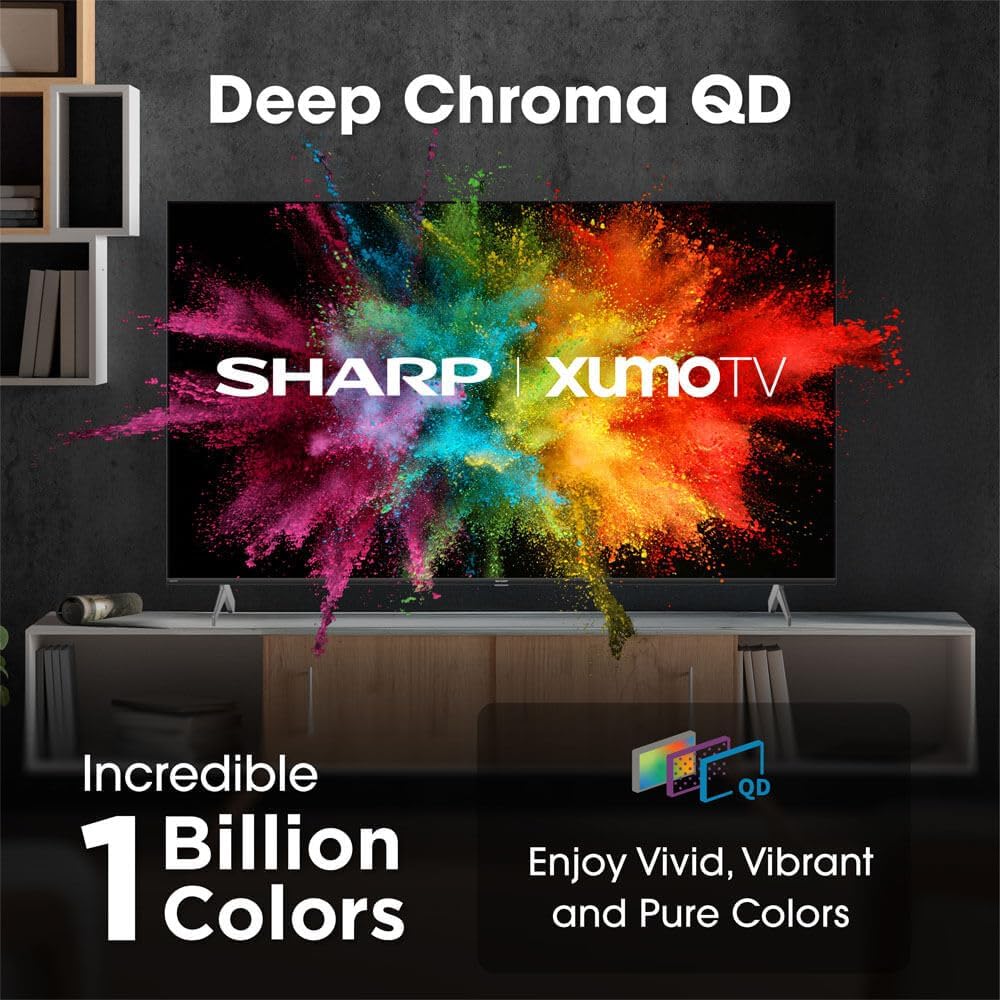
Image: Comparison of Dolby Vision enhanced picture quality against a standard display.

Image: Visual representation of Dolby Atmos creating immersive sound in a living room setting.
6. Одржавање
6.1 Чишћење телевизора
Да бисте очистили екран, нежно га обришите меком крпом која не оставља влакна. За тврдокорне мрље, благо обришитеampen the cloth with water or a screen-cleaning solution. Never spray liquid directly onto the screen. Clean the TV's exterior with a soft, dry cloth.
6.2 Ажурирања софтвера
Your TV may receive automatic software updates to improve performance and add new features. Ensure your TV is connected to the internet to receive these updates. You can also manually check for updates in the TV's settings menu.
КСНУМКС. Решавање проблема
| Проблем | Могући узрок | Решење |
|---|---|---|
| Нема струје | Power cord not connected, power outlet not working. | Проверите везу кабла за напајање, покушајте са другом утичницом. |
| Нема слике/звука | Incorrect input selected, external device off/disconnected. | Verify input source, check device power and connections. |
| Даљински не ради | Batteries low/dead, obstruction between remote and TV. | Замените батерије, уклоните препреке, поправите упаривање даљинског управљача ако је потребно. |
| Проблеми са Ви-Фи везом | Router issues, incorrect password, weak signal. | Restart router, re-enter Wi-Fi password, move TV closer to router or use Ethernet. |
8. Спецификације
- Бренд: Схарп
- Број модела: 4TC55HP7050U
- Величина екрана: 55 инча
- Технологија приказа: QLED Smart
- Резолуција: 4К Ултра ХД
- Брзина освежавања: 60Хз
- Посебне карактеристике: Flat, Dolby Vision, HDR10, Xumo Smart TV, Voice Remote, Bluetooth, Dual-band Wi-Fi
- Технологија повезивања: RCA, HDMI (multiple ports)
- Подржане Интернет услуге: Netflix, Hulu, Amazon Prime Video (and more via Xumo platform)
- Тежина артикла: 32 фунти
- Боја: Црно
9. Гаранција и подршка
For warranty information and technical support, please refer to the warranty card included with your product or visit the official Sharp webсајт. Сачувајте рачун као доказ о куповини за потребе гаранције.


