
Увод
The MeatStick V Duo is a wireless meat thermometer system designed for precise temperature monitoring during various cooking methods. It features two independent probes, a Smart Base with an LCD display, and advanced connectivity options including both WiFi and Bluetooth for extended range. This manual provides instructions for setting up, operating, and maintaining your MeatStick V Duo to ensure optimal performance and accurate cooking results.
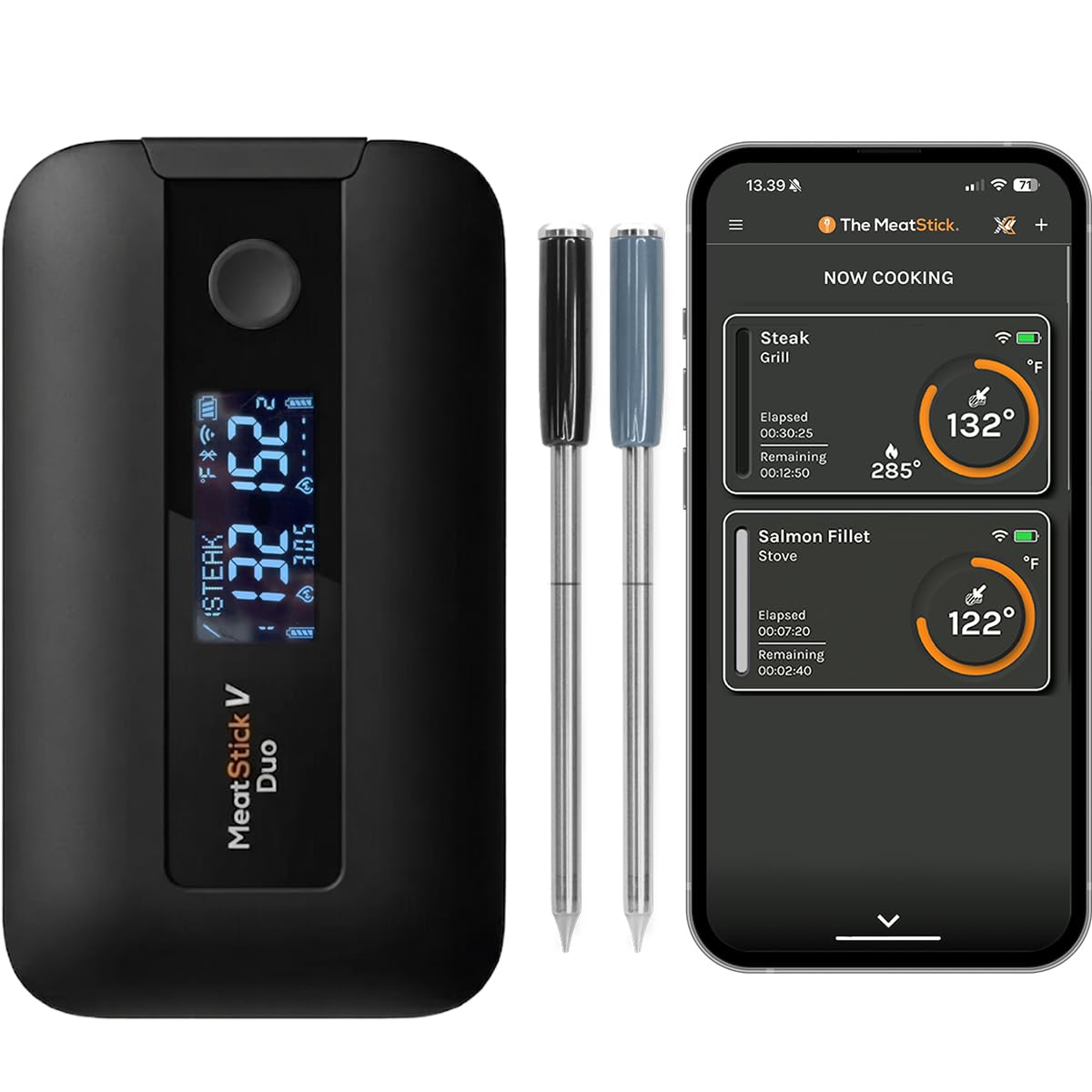
Image: The MeatStick V Duo system, showing the Smart Base and two probes.
Садржај пакета
Проверите да ли су све компоненте присутне у вашем пакету:
- 1 MeatStick V Prime Stick (with 5 internal sensors + built-in ambient sensor)
- 1 MeatStick V Core Stick (with 5 internal sensors)
- 1 Smart Base with LCD display
- 1 УСБ кабл

Image: All components included in the MeatStick V Duo package.
Сетуп
1. Почетно пуњење
Before first use, ensure the probes are fully charged. Place both MeatStick probes into the Smart Base. Connect the provided USB cable to the Smart Base and a power source. The probes have a battery life of over 50 hours when fully charged.
2. Инсталација апликације
Download "The MeatStick App" from your device's app store (available for iOS and Android). Follow the on-screen instructions to install the application.
3. Упаривање уређаја
- Ensure your Smart Base is powered on and the probes are inserted.
- Open The MeatStick App on your smartphone or tablet.
- The app will guide you through the pairing process. The Smart Base automatically connects to the probes and broadcasts temperatures via Bluetooth and WiFi.
- For WiFi connectivity, follow the in-app instructions to connect the Smart Base to your home WiFi network. This enables remote monitoring from any location with internet access.
Видео: Оверview of the MeatStick V Duo components and initial setup steps.
Упутство за употребу
1. Уметање сонде
Insert the MeatStick probe into the thickest part of the meat, avoiding bone. Ensure the probe is inserted deep enough so that the ceramic handle is exposed to the ambient cooking environment, and the internal sensors are fully within the meat. The V Prime Stick includes an ambient sensor in its ceramic handle, while the V Core Stick focuses solely on internal meat temperature.

Image: Illustration of probe insertion depth and internal sensor locations for accurate readings.
2. Праћење температуре
You can monitor temperatures in two ways:
- Smart Base LCD Display: The built-in LCD on the Smart Base shows current internal temperatures, target temperatures, connection status, and battery levels for both probes at a glance.
- The MeatStick App: Use the app for detailed real-time temperature graphs, CookTime predictions, and to set custom alerts. The app allows you to track both probes simultaneously on one screen.
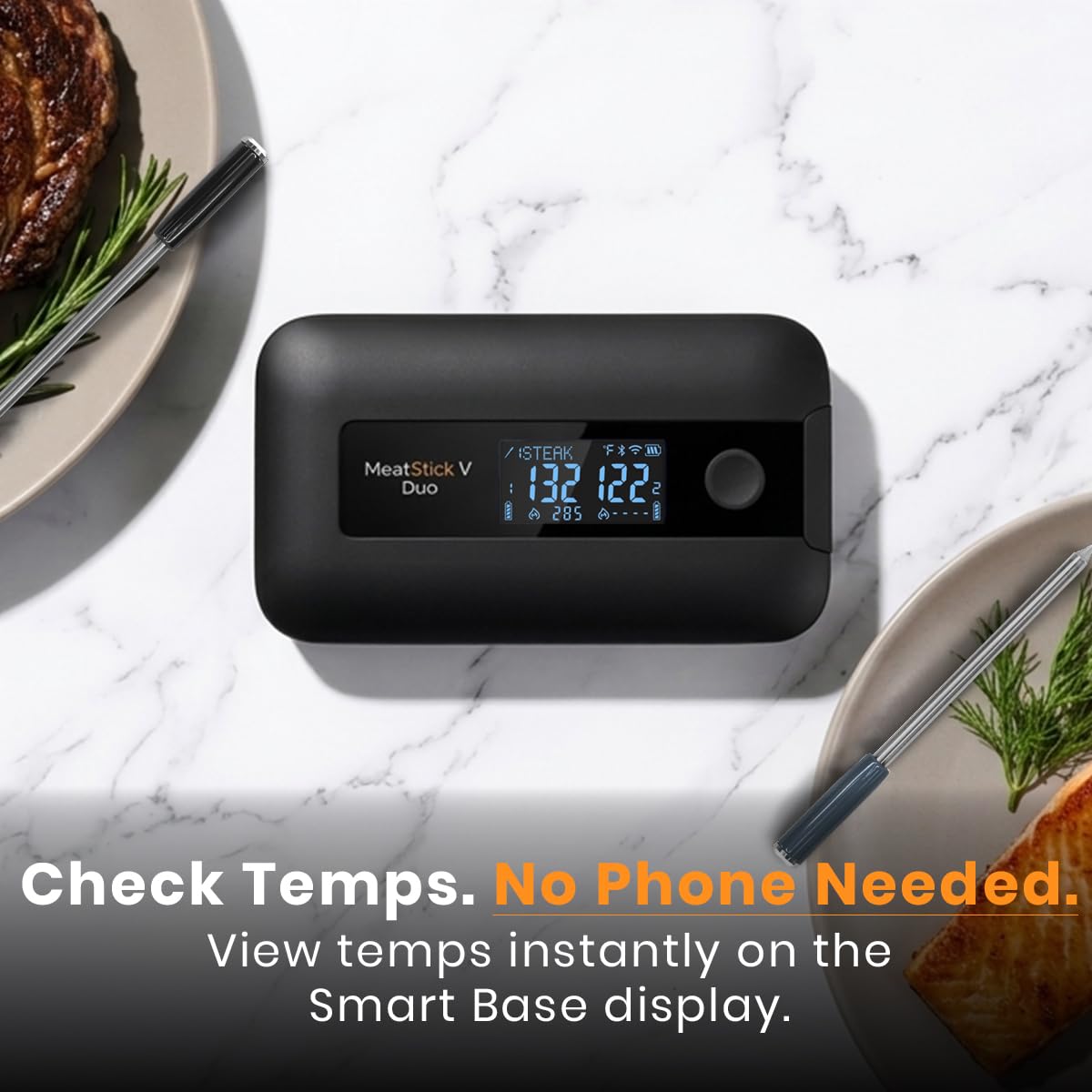
Image: The Smart Base display showing current temperatures for two probes.

Image: The MeatStick app displaying real-time temperature data and cook progress.
3. Повезивање
The MeatStick V Duo offers both Bluetooth and WiFi connectivity. The Smart Base automatically switches between the two for optimal range and reliability. Bluetooth provides a range of 900+ feet, suitable for backyard or campsite use without internet. WiFi extends the range to unlimited distances, allowing you to monitor your cook from anywhere with an internet connection.

Image: Visual representation of the extended range provided by Bluetooth and WiFi connectivity.
4. High Heat Cooking
The probes are designed with FireForge technology, capable of handling direct flame grilling, wood smokers, pizza ovens, and cast-iron searing. The dual-shell ceramic handles are rated for temperatures up to 1200°F, ensuring durability in high-heat environments.

Image: A MeatStick V Duo probe in use during high-heat grilling.
5. Versatile Cooking Methods
The MeatStick V Duo is compatible with a wide range of cooking methods, including:
- Роштиљ
- Пушење
- ББК
- Печење у пећници
- Аир Фриинг
- Соус Виде
- Дееп Фриинг
- Стоветоп Цоокинг

Image: The MeatStick V Duo demonstrating its compatibility with multiple cooking applications.
Video: Demonstrating the use of two probes for cooking two different meats simultaneously.
Video: Example of smoking dino ribs using the MeatStick V Duo.
Video: Example of smoking pulled ham using the MeatStick V Duo.
Video: Demonstrating grilling, air frying, and smoking with the MeatStick V Duo.
Одржавање
1. Cleaning the Probes
The MeatStick probes are IP69K-rated waterproof and dishwasher safe. After each use, the probes can be run through a dishwasher or hand-washed with soap and warm water. Ensure all food residue is removed. Do not worry about moisture damage.
2. Cleaning the Smart Base
The Smart Base is not dishwasher safe. Wipe it clean with a damp cloth. Do not submerge the Smart Base in water.

Image: A MeatStick V Duo probe being cleaned, demonstrating its waterproof capabilities.
Решавање проблема
If you encounter issues with your MeatStick V Duo, refer to the following common problems and solutions:
| Проблем | Могући узрок / решење |
|---|---|
| No Connection / Signal Dropouts |
|
| Нетачна очитавања температуре |
|
| App Not Responding / Crashing |
|
| Low Battery Alarm (despite charge) |
|
Спецификације
| Феатуре | Детаљ |
|---|---|
| Модел | SLM902Z-NE5 |
| Бранд | Тхе МеатСтицк |
| Probes Included | 1 MeatStick V Prime Stick, 1 MeatStick V Core Stick |
| Total Sensors | 11 (5 internal + 1 ambient in V Prime; 5 internal in V Core) |
| Висока отпорност на топлоту | Up to 1200°F (ceramic handle) |
| Трајање батерије | 50+ hours per probe |
| Водоотпорна оцена | IP69K (probes are dishwasher safe) |
| Повезивање | Bluetooth (900+ ft range), WiFi (unlimited range) |
| Дисплаи Типе | Digital LCD on Smart Base |
| Спољашњи материјал | Stainless Steel (probes) |
| Цертификати | CE, FCC, FDA, RoHS |
| Дужина ставке | 6 inches (probes) |
Гаранција
The MeatStick V Duo comes with a 1 године гаранције произвођача. Please retain your proof of purchase for warranty claims. For detailed warranty terms and conditions, refer to the official MeatStick webсајту или контактирајте корисничку подршку.
Подршка
For technical assistance, troubleshooting, or warranty inquiries, please contact The MeatStick customer support team. You can find contact information on the official MeatStick webсајт:
Webсајт: www.themeatstick.com
Подршка за апликације: Check the "Help" or "FAQ" section within The MeatStick App for additional resources.